Marketing, promotion and publicationsHow-to guide
One asset library for catalogues, campaigns and the sales team
Every company that sells in more than one language eventually finds an old brochure in a customer’s inbox, with a discontinued product, a previous price list or a specification that changed a year ago. The cause is rarely carelessness. Catalogues, campaign visuals, presentations and sales sheets live in different folders, each with its own copy of the product facts. A single asset library, fed from approved data and connected to the systems that use it, fixes the problem at its source.
Why old PDFs keep circulating
Sales people keep the files that worked for them. Distributors download a catalogue once and reuse it for years. Campaign teams export a visual for one market and someone else adapts it for another. Nobody is doing anything wrong, but there is no single place that says which version is current, in which language, and where it has been sent.
Replacing a shared drive with another shared drive does not change this. What changes it is a library where each asset has an owner, a status and a history, and where the people who use assets find the current one faster than the old one sitting in their downloads folder.
Give every asset an ID, a version, a language and a usage record
Each asset receives a stable identifier that survives renaming, plus a version number, a language code, a status such as draft, approved or withdrawn, and an owner. Translations of the same brochure share the base identifier, so the Romanian, English and German versions are visibly related and can be checked together.
Record where an asset is used: on which web page, in which campaign, in which CRM email template, sent to which distributor. That usage record is what makes withdrawal practical. When a sheet is withdrawn, the library lists every place that still points to it.
- Stable asset ID shared by all language versions of the same item.
- Version number and change note for every approved revision.
- Status: draft, in review, approved, withdrawn.
- Named owner and reviewer for each language.
- Usage record linking the asset to pages, campaigns, templates and recipients.
Let approved facts flow into catalogue copy
Product names, codes, dimensions, materials, packaging units and certifications already exist in the ERP or the product database. Copying them by hand into a layout file is where errors start. Instead, keep an approved fact base that draws technical data from the ERP and adds the marketing statements that have been reviewed, each with its source.
Catalogue pages, sales sheets and campaign copy then pull from those facts. A writer can still shape the text, and an AI assistant can draft it, but the numbers and claims come from one place and each draft shows where every statement came from. Reviewers check the wording rather than retyping specifications.
Translate against a glossary, not from scratch
Translation goes faster and stays consistent when every language has an approved glossary for product names, technical terms and recurring phrases. New text is translated against the glossary and the previously approved versions, so a term that was settled for the German catalogue is not reinvented for the next campaign.
Each language has a reviewer who knows the market. Machine translation and AI drafts are useful for speed, but they go to that reviewer before publication, and accepted corrections are added back to the glossary. Over time, the amount of correction falls and the voice across languages stays the same.
Produce accessible versions as a normal output
Accessible publications reach more customers and are increasingly expected by larger buyers. A tagged PDF with a logical reading order, real headings, alternative text for meaningful images and sufficient contrast can be read by screen readers and reflowed on small screens. Decorative images are marked as such, so they do not add noise.
Videos need subtitles in every language they are published in, and ideally a transcript. Build these steps into the publishing checklist so they happen every time, rather than as a separate project after a complaint.
Keep print-ready and digital exports apart
A print file needs bleed, crop marks, CMYK colour and high-resolution images. A digital file needs small size, RGB colour, working links and accessibility tags. Trying to make one PDF serve both leads to heavy downloads or poor print results. Export both from the same approved source and label them clearly in the library.
Do the same for campaign visuals: one master per concept, with exports for each channel and format, horizontal, square and vertical, named with the asset ID and language. When the master changes, every export is regenerated from it rather than edited separately.
See every affected file when a product detail changes
The real test of an asset library is a change. A product gets a new dimension, a certification is renewed or an item is discontinued. With facts linked to assets and assets linked to their usage, the library lists every catalogue page, sales sheet, campaign and template that needs an update, in every language, with an owner for each.
RDCopilot runs publications and content as a standard service built on this model: a one-off setup of the library, the fact base and the glossary, then a monthly subscription for updates, translations, accessible exports and hosting in the EU, with new catalogues or larger projects at a fixed hourly rate. Product data comes from RDCopilot ERP, approved assets are available in RDCopilot CRM email templates and campaigns, and the AI drafting runs on facts your team has approved.
Inside the product
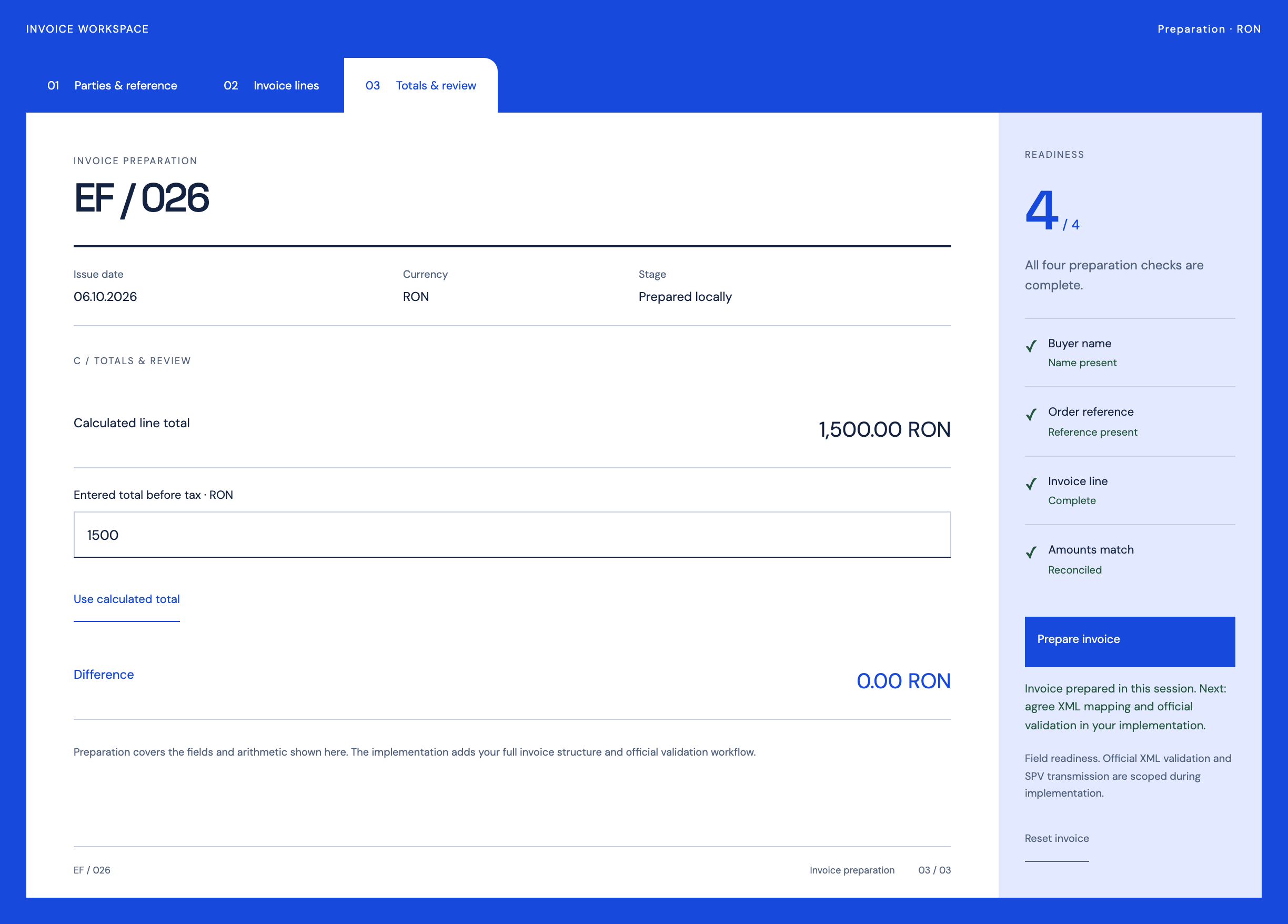
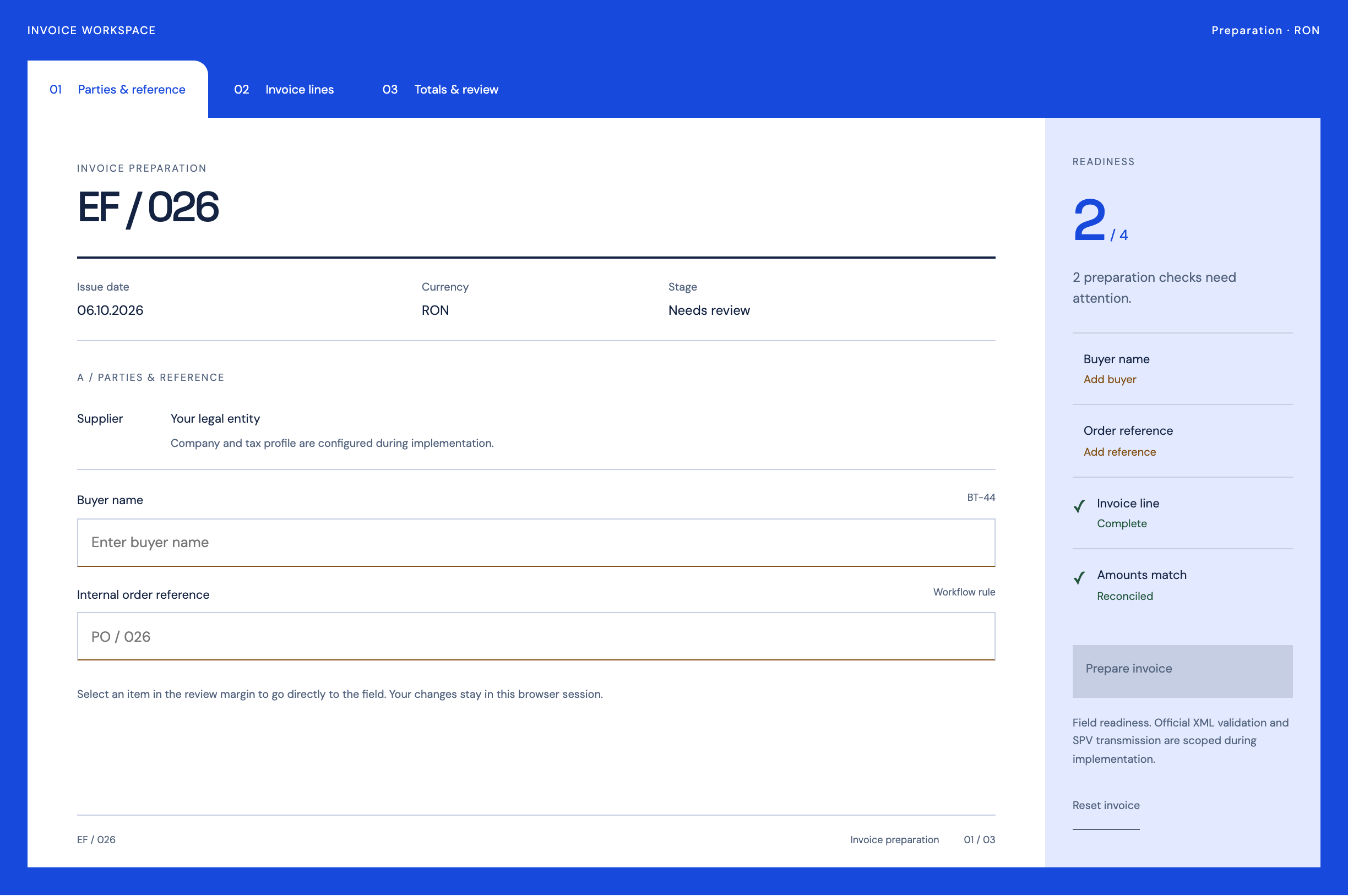
Document Workflows
Follow the references
Sources & inspiration
Supernova
Devpost project by Muhammad Mujtaba
Independent inspiration for keeping campaign assets in one structured, exportable store.
This independently created project is credited as inspiration. The workflow and implementation guidance in this article are RDC’s analysis.
Put the guide to work
Start with your workflow.
Tell us what your team needs to do, which systems are involved and where the current process slows down.