Marketing, promotion and publicationsHow-to guide
Multilingual search and social campaigns with a clear cost per market
Search and social campaigns in several languages are easy to start and hard to read. After a few months, spend sits in one account, enquiries arrive in three inboxes and nobody can say which market pays for itself. The answer is rarely a cleverer automated setting. It is a structure where every market has its own campaigns, its own landing page, its own tracking and its own line in the CRM, so the monthly decision rests on enquiries and opportunities rather than clicks.
Give each market and language its own campaign structure
Build campaigns per market first and per language second. A campaign for Germany in German and a campaign for Austria in German can share copy, but not budget, location targeting or cost targets. When markets are mixed in one campaign, the cheapest country absorbs the budget and the report shows an average that describes no real market.
Use a naming pattern people can read without a legend: market code, language, channel and objective. The same pattern goes into Google Ads, Meta Ads and LinkedIn Ads, into the UTM parameters and into the CRM source field. When a sales manager filters enquiries by “DE-de-search-leads”, they should see exactly the campaign the marketing report shows.
- One campaign group per market, targeting people located in that market rather than people merely interested in it.
- Language settings that match the ad copy and the landing page.
- A separate budget per market, so a strong country cannot starve a new one.
- One naming pattern shared by the ad platforms, analytics and the CRM.
- Negative keyword lists kept per language, not translated from a single master list.
Keep media spend on your accounts, separate from the service fee
The advertising accounts, the analytics property and the tag manager container should belong to the company, with the marketing team or partner invited as users. Media spend is paid by the company directly to Google, Meta or LinkedIn. The service fee covers setup, creative, optimisation and reporting. Keeping the two apart makes cost per market honest and means the campaign history stays with you whoever runs it.
This is how RDCopilot runs digital promotion as a standard service: a one-off setup for account structure, tracking and the first landing pages, then a monthly subscription for management, reporting and updates, with extra work at a fixed hourly rate agreed in advance. Media budgets never pass through our invoice, so the cost per enquiry you read is the real one.
Localise the offer, not just the words
A translated ad often reads correctly and still underperforms. Buyers in different markets search with different terms, expect different proof and respond to different calls to action. Start keyword research in each language from what local customers actually type, then check volume and competition per market. A literal translation of your best keyword can be a phrase nobody uses.
Keep an approved glossary for product names, technical terms and claims, and give each market a reviewer who reads the copy before it goes live. Units, delivery terms, currency and certifications should follow local expectations. When a claim needs evidence, link it to the approved fact it comes from, so the same statement does not drift across six languages.
Send every campaign to a landing page on your own site
Campaign traffic should land on a page in the visitor’s language, on your existing domain, that answers the question the ad raised. A focused product or service page with a clear enquiry form usually beats a generic homepage. Building these pages on the main site also helps organic search, because the content keeps working after the campaign ends.
Each landing page needs a form that records market, language and campaign in hidden fields, a visible way to call or write, fast loading on a phone and a privacy notice that fits the market. When the enquiry is submitted, those fields travel with it into the CRM, so nobody has to guess where it came from.
Track conversions with consent built in
In the EU, measurement starts with consent. A consent banner wired to Consent Mode v2 tells Google tags whether they may use cookies for advertising and analytics, and lets the platforms model conversions for visitors who decline. Without it, reported conversions fall and automated optimisation learns from a partial picture.
Define a short list of conversions that matter: a submitted enquiry, a booked call, a quote request. Page views and time on site help with diagnosis but should not steer automated optimisation. Test every conversion in every language version before launch, including the confirmation state on mobile.
- Consent banner connected to Consent Mode v2 and tested in each language.
- Primary conversions limited to real enquiries and quote requests.
- Offline conversion import from the CRM planned for qualified opportunities.
- UTM parameters on every social, email and partner link, using the shared naming pattern.
Read cost per enquiry for each market in the CRM
Each ad platform reports its own conversions, and each counts generously. The CRM is where enquiries become conversations, quotes and orders. Import monthly spend per campaign, match it to enquiries through the source fields, and report cost per enquiry, cost per qualified opportunity and, where the sales cycle allows, cost per order for every market.
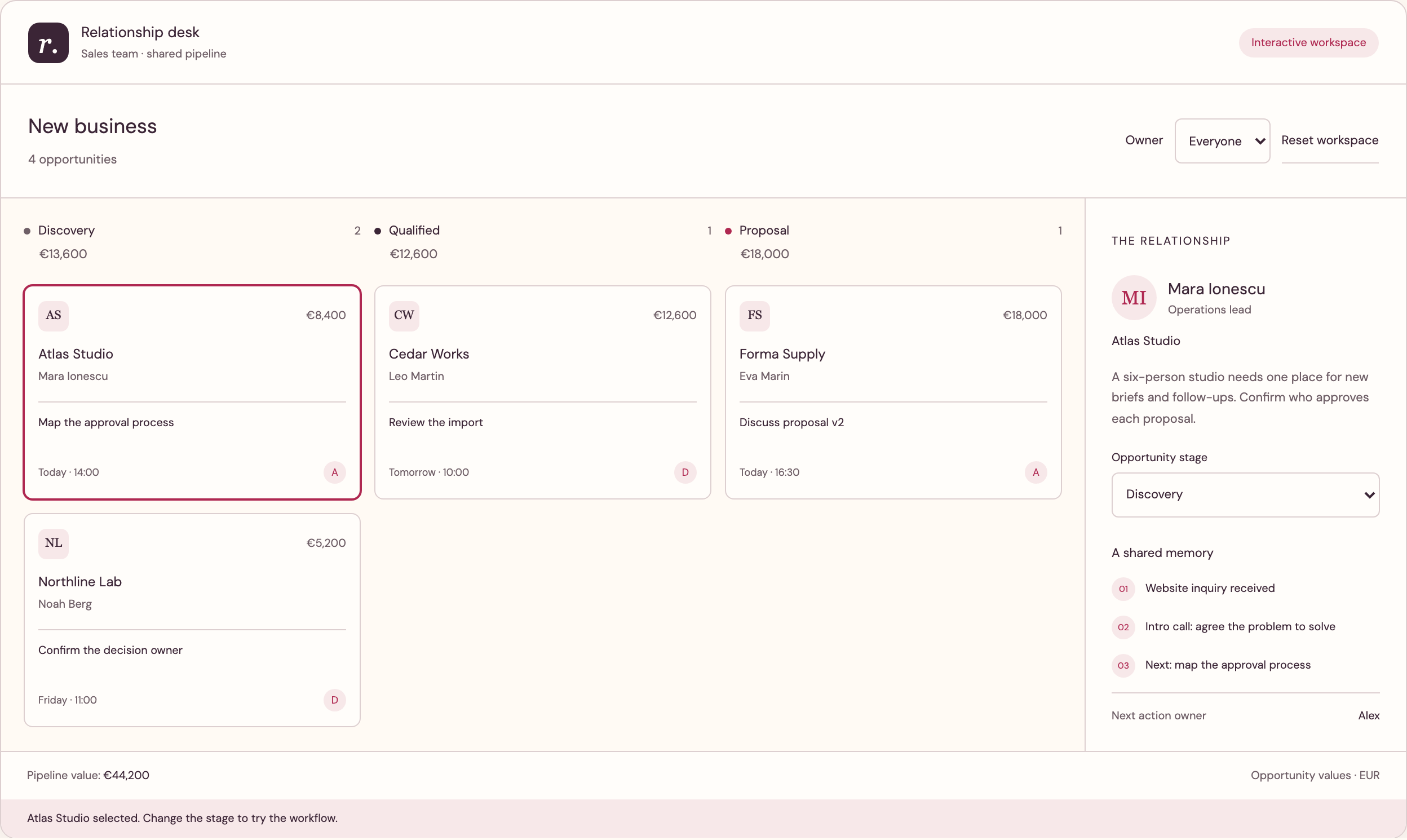
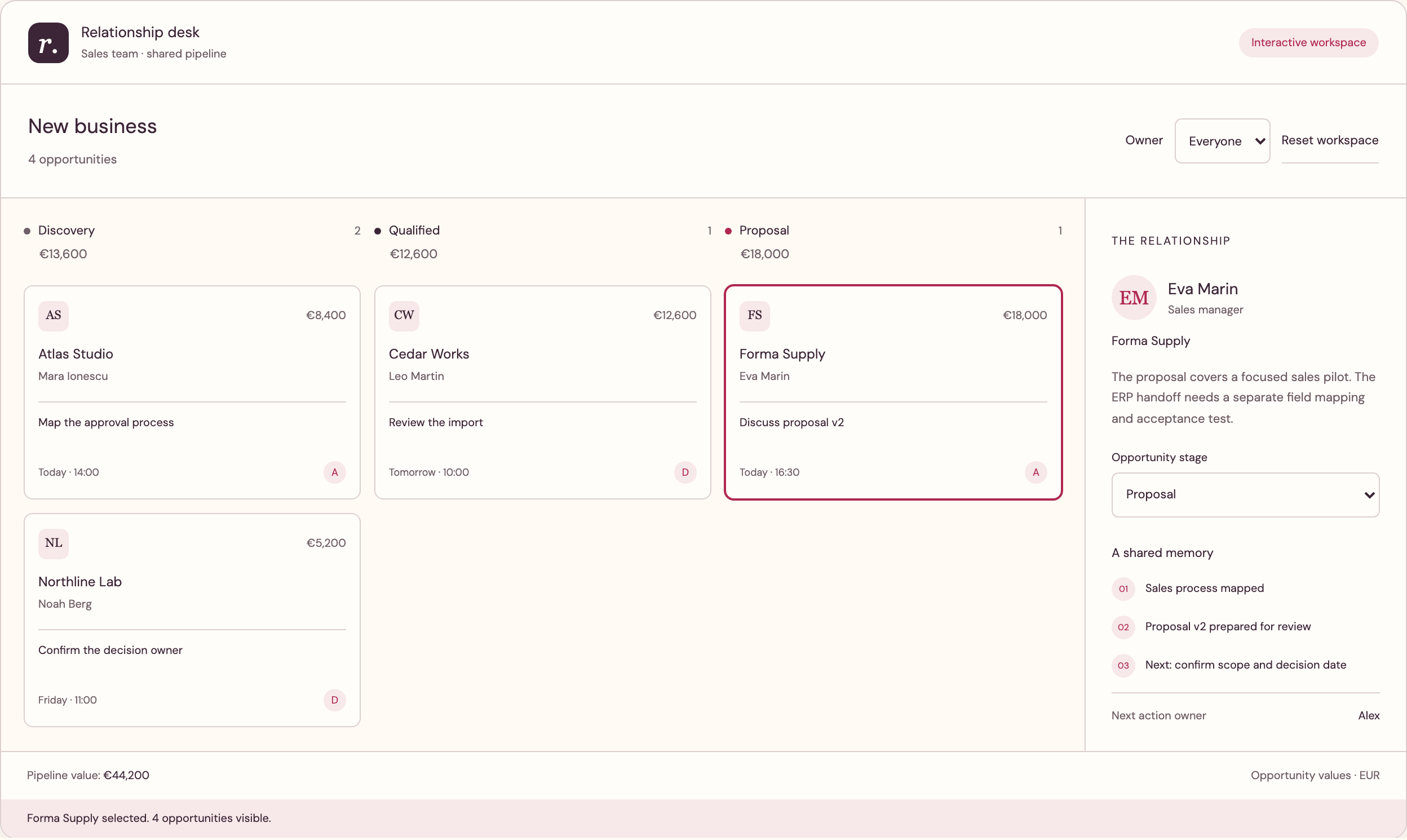
In RDCopilot this chain is direct. The website form creates a lead in RDCopilot CRM with its campaign fields, a won opportunity moves into RDCopilot ERP as an order, and RDCopilot Reports places spend next to pipeline by market. Marketing sees which countries produce qualified conversations; sales sees why a lead arrived and what the ad promised.
Run a monthly optimisation loop people can follow
Once a month, review each market with the same short agenda: spend, enquiries, qualified opportunities, cost per qualified opportunity and what sales heard in those conversations. Agree one or two changes per market, such as moving budget, pausing a keyword group, testing a new offer or fixing a landing page. Write each decision down with its reason, so next month’s review starts from facts rather than memory.
Give a new market a fixed learning budget and a decision date instead of judging it after two weeks. Keep a change log for budgets, cost targets and creative, so a sudden shift in results can be traced to its cause. If you already run campaigns in several languages and want them measured this way, RDCopilot can review the accounts, rebuild the structure and connect it to your CRM without pausing what already works.
Inside the product
CRM
Follow the references
Sources & inspiration
Smart Marketing Campaign Optimizer
Devpost project by Ash Liu
Independent inspiration for evidence-based, human-approved campaign budget decisions.
This independently created project is credited as inspiration. The workflow and implementation guidance in this article are RDC’s analysis.
Put the guide to work
Start with your workflow.
Tell us what your team needs to do, which systems are involved and where the current process slows down.