PayrollDecision guide
Check payroll inputs before they reach the payroll specialist
Payroll work starts before calculation. Hours, absences, employee changes and approved adjustments arrive from different people, often with different cutoffs. A validation workflow makes those inputs coherent enough for the specialist to review without turning the software into an authority on pay entitlements.
Give the payroll specialist a checked input set
Begin by listing each input, its owner and its source. A timesheet owner can confirm recorded hours; an HR specialist can confirm that an employee change has the required support. These confirmations mean different things. Preserve them separately so the payroll reviewer knows what has actually been checked.
Make the period and employee identity explicit
Every imported record needs an employer, employee identifier, period and input category. Names are useful to people but unreliable as the only matching key. Employees with similar names, returning employees and records from separate employers must remain distinguishable.
Define whether a source supplies complete replacements or incremental changes. Mixing these models can double-count hours or erase an approved adjustment. Keep the imported file or source reference and show a summary before acceptance: records received, employees matched, periods covered and items awaiting correction.
Check completeness before arithmetic
A structurally valid spreadsheet can still omit a team or an employee. Compare expected input coverage with what arrived. Establish which categories may legitimately be empty and which require an explicit confirmation. An empty absence field should not silently mean that somebody checked and found no absence.
Then apply agreed consistency checks: incompatible periods, repeated input identifiers, unexplained totals or changes without supporting references. Show the rule and affected values. When a rule depends on employment or payroll interpretation, route the question to the qualified specialist rather than presenting an automated conclusion as a legal answer.
Resolve issues at their source
Send a missing timesheet to the responsible manager and an unclear employee change to HR. Give each person a narrow task containing the disputed data and its source. Avoid requiring every contributor to open the complete payroll package.
Corrections should create a new input version with a reason. Preserve the previous version and invalidate only the approvals affected by the change. If the payroll provider has already received the package, clearly mark that fact. The specialist decides whether to replace, supplement or otherwise handle the new input.
Protect salary-related information
Payroll inputs can reveal personal and sensitive employment circumstances. Design access by employer, team and task. A manager who confirms attendance does not automatically need salary amounts or documents for another department. Test downloads and notification previews as carefully as the main screen.
Agree the data needed by each provider, how it is transferred and who removes access after a contract ends. A notification can say that a record needs review without including the personal details. Keep support logs focused on identifiers and processing outcomes.
Evaluate a full monthly rehearsal
Use a closed period with checked reference inputs to rehearse the workflow. Include a missing employee, a duplicate file, a late correction and a contributor who is absent. Verify that another authorized person can take over the task without sharing an account.
Measure missing-input detection, corrections after approval, reviewer handling time and unresolved cases at handoff. These measures assess preparation quality. They do not establish that payroll calculations or statutory declarations are correct. The final calculation and approval remain separate checks under the payroll specialist's responsibility.
Specify what an empty value means
For each input category, decide whether blank means not supplied, not applicable or explicitly checked with no value. These meanings should not collapse into one cell. A manager confirming no overtime has performed a different action from a manager who has not opened the request.
Use a short input dictionary to capture this distinction and the source owner. Include period rules and how changes are represented. When several systems supply attendance, choose which one is authoritative for each category and how disagreements are resolved. Adding their totals together may duplicate the same underlying event.
During acceptance, compare the generated package with the specialist's expected input set for a checked period. Investigate differences record by record rather than judging only the grand total. Equal totals can conceal one omitted employee and another duplicated employee. A useful review view therefore reports coverage and exceptions alongside arithmetic. Keep the reconciliation result with the package so the recipient can see which preparation checks were performed before release.
- For each category, the input dictionary distinguishes a missing response from an explicit confirmation that there is no value to report.
- The coverage check identifies expected employees and teams separately from the arithmetic totals in the submitted files.
- A correction retains the period, source owner and previous approved value so the specialist can understand the changed input.
- The package recipient can see which preparation checks passed and which questions still require a payroll decision before final processing.
Build the handoff around your provider
RDC can connect the source exports, validation rules, exception assignments and approved payroll package. We start with the actual format required by your specialist or provider, including its acknowledgment and correction process.
A scoped proposal should identify employers, input categories, access roles and acceptance criteria. Bring redacted files and a description of recurring delays. We can build the workflow that gets checked information to the right person, while keeping payroll interpretation and final approval clearly assigned.
Inside the product
Payroll
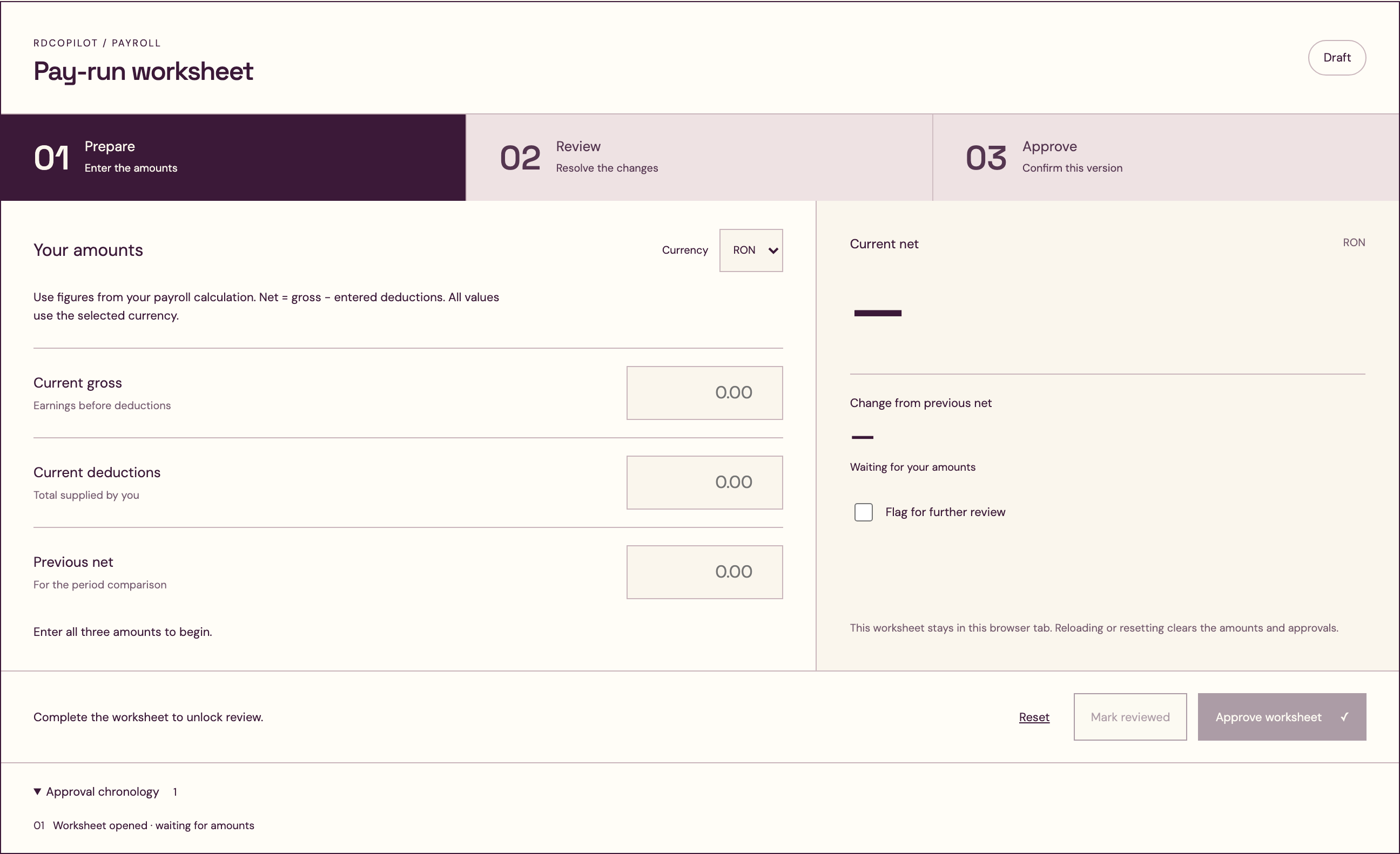
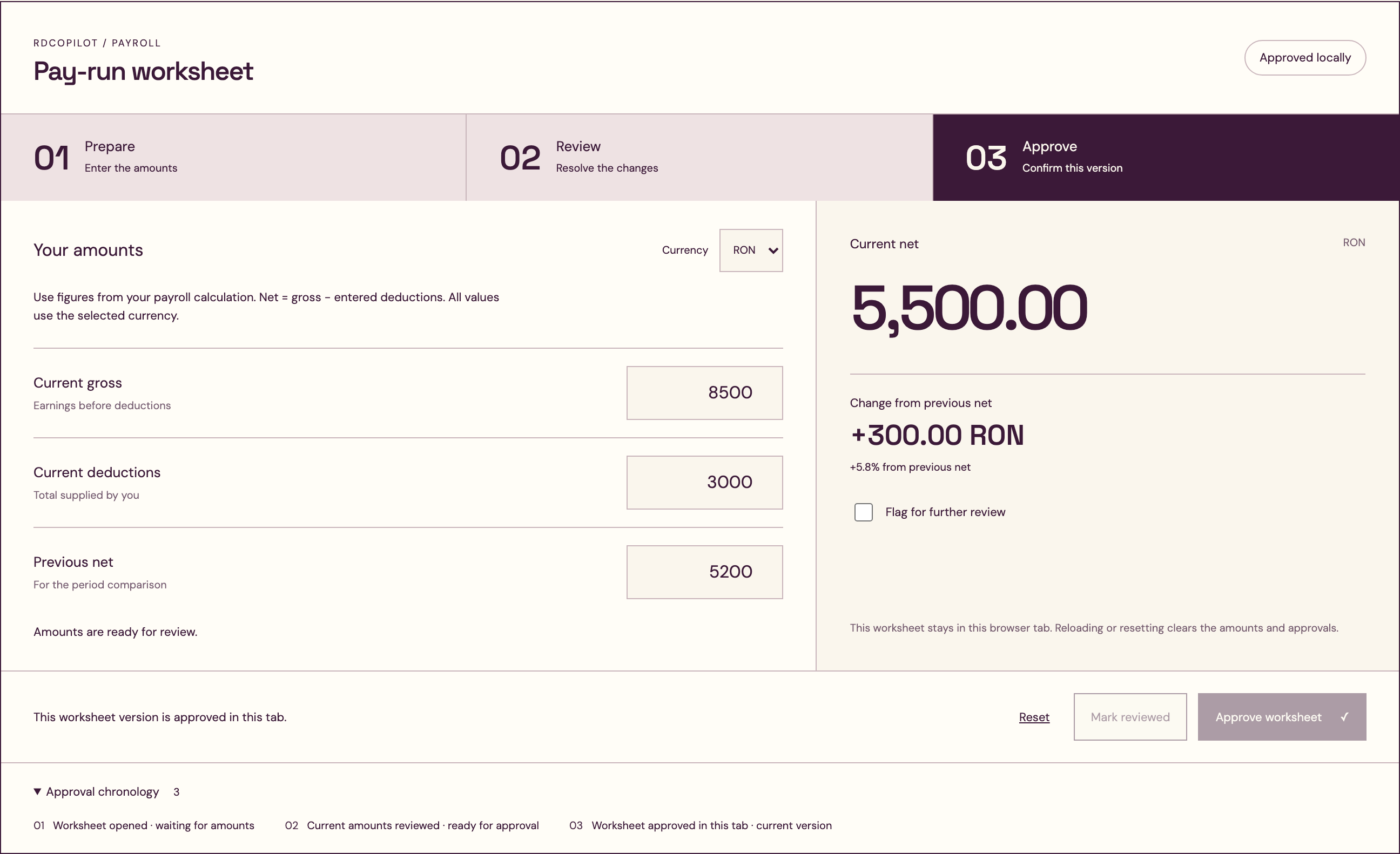
Follow the references
Sources & inspiration
ADP Payroll Innovation Bot
Devpost project by Eric Liu, Jiaxing Yan, Fan Yang
Payroll questions with issue escalation.
This independently created project is credited as inspiration. The workflow and implementation guidance in this article are RDC’s analysis.
Put the guide to work
Start with your workflow.
Tell us what your team needs to do, which systems are involved and where the current process slows down.