ERPWorkflow
From sales invoice to SAF-T: keeping ERP, e-Factura and D406 consistent
Most differences in a D406 file are not created when the file is generated. They start weeks earlier, when an invoice is corrected in one place but not another, when a rejected e-Factura upload is fixed outside the ERP, or when a customer code changes halfway through the month. The reliable approach is to treat the sales invoice as one record that sales, the e-Factura system and the accountant all read, and to check it at a few fixed points instead of rebuilding the truth at the deadline.
Treat the invoice as one record with three readers
The sales team cares about the customer, the price and the delivery. The e-Factura system cares about the structured fields that the tax authority validates. The accountant cares about the ledger accounts, the VAT treatment and the period. Problems appear when each reader keeps its own copy and corrects it separately.
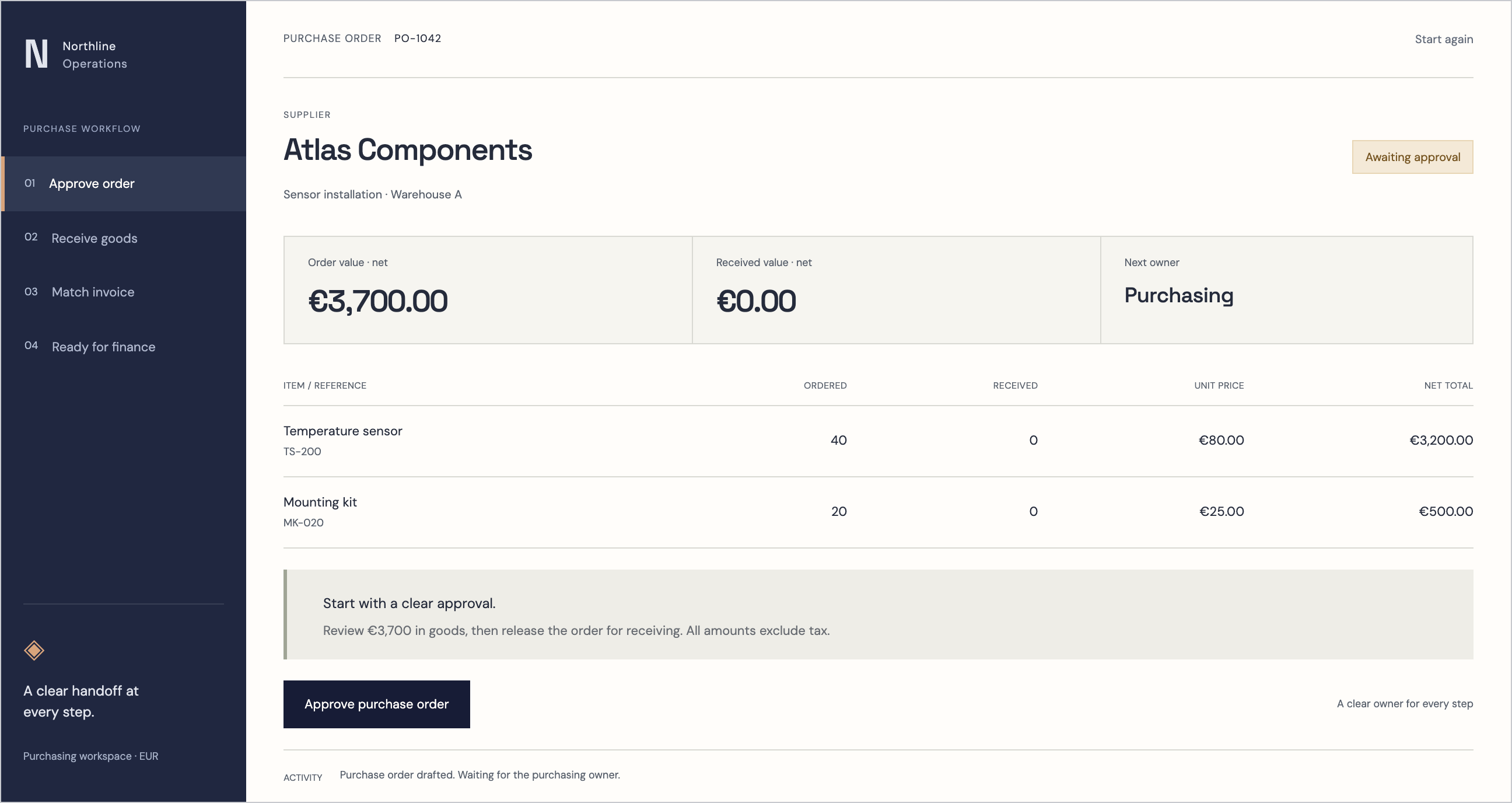
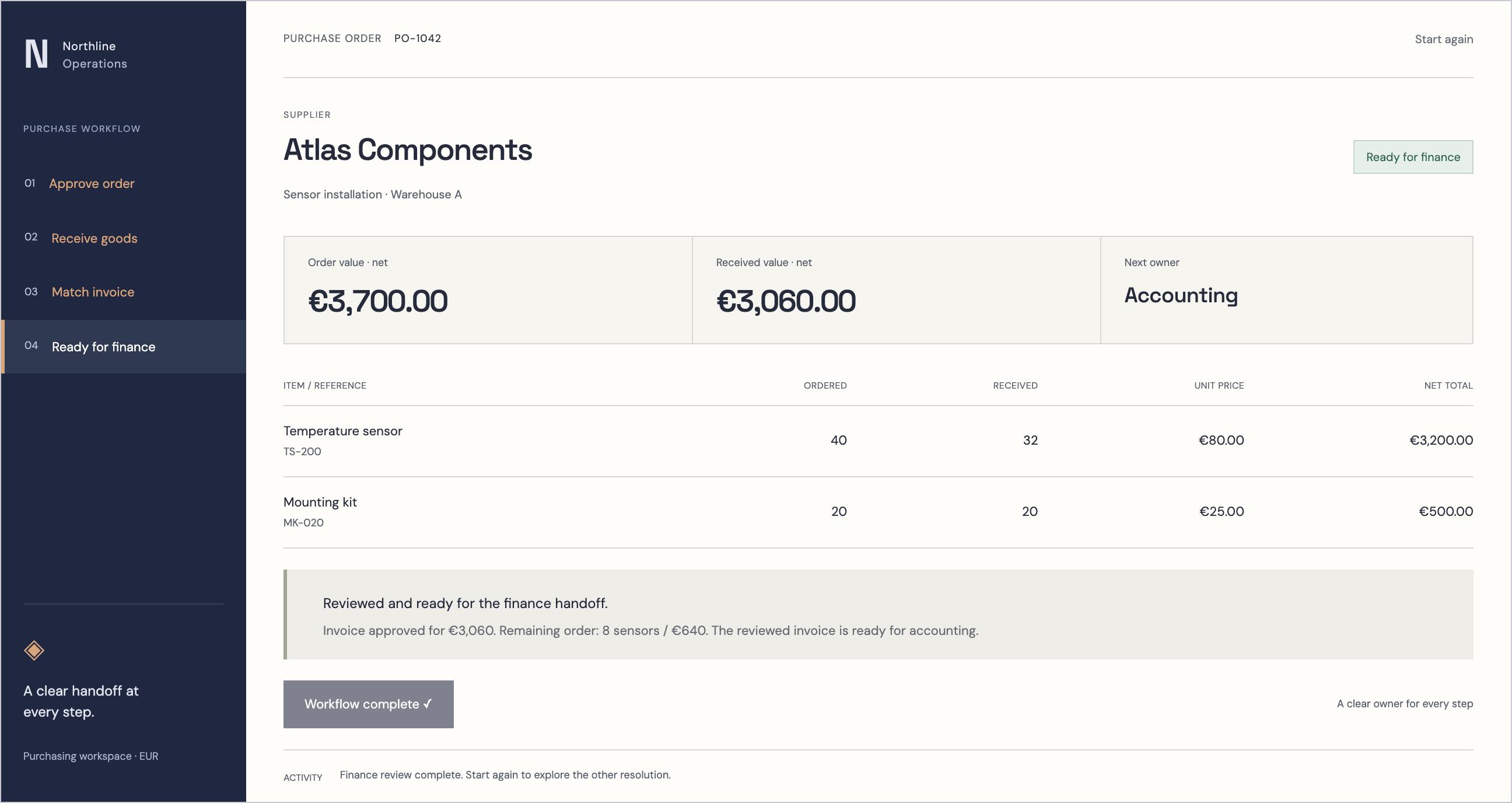
In a connected setup, the invoice is created once in the ERP from the order or the delivery, and every later step points back to it. The e-Factura upload, the accounting entry and the SAF-T line are views of the same document, not three documents that happen to share a number. When something needs to change, the correction is made on the source invoice, usually through a credit note, and flows forward from there.
Validate before the invoice leaves the ERP
Rejections cost time because someone has to understand the error, find the invoice and decide where to fix it. Most of them can be caught before upload with checks that run when the invoice is posted. The goal is not to duplicate the authority’s validation, but to stop the predictable mistakes at the moment the person who issued the invoice still remembers the context.
Keep the checks visible to the person posting the invoice, with a plain message that says which field is wrong and why. A warning that only appears in a technical log will be found by the accountant at month end, which is exactly the delay you are trying to remove.
- Customer tax identifier present and in the expected format for domestic customers.
- Address fields complete, with county and locality codes the e-Factura format accepts.
- Every line has a unit of measure, a VAT rate and a VAT category that agree with each other.
- Invoice totals recalculate exactly from the lines, with consistent rounding.
- Credit notes reference the original invoice they correct.
- Invoice series and numbering follow the configured sequence without gaps.
Bring the e-Factura status back onto the document
Once an invoice is uploaded, its status should be visible on the invoice itself: sent, accepted, rejected with the returned message, or waiting. The download index and the response files belong to the same record, so anyone opening the invoice can see what happened without logging into another portal.
Rejected invoices go into a short work list owned by a named person, with the returned error attached. The fix is made in the ERP and the corrected invoice is uploaded again from there. If a team repairs the file directly in another tool, the ERP and the ledger will disagree with what the authority holds, and that disagreement will resurface in the SAF-T file.
Close the period in a fixed order
A predictable close makes the D406 data check almost routine. The order matters more than the speed: each step assumes the one before it is finished, and reopening a closed step should be a deliberate decision with a reason recorded against it.
Locking the accounting period after the close prevents late postings from silently changing figures that were already reviewed. Corrections after the lock are made in the next open period, or by an authorised person who reopens the period and leaves a note explaining why.
| Step | Owner | Done when |
|---|---|---|
| Deliveries invoiced | Sales operations | No delivered order without an invoice or a recorded reason |
| e-Factura work list empty | Invoicing | Every invoice is accepted or has an open, assigned correction |
| Purchase invoices posted | Accounting | Supplier invoices received in the period are recorded or flagged |
| Bank and cash reconciled | Accounting | Statements match the ledger, with differences explained |
| Stock and asset movements posted | Warehouse and accounting | Receipts, issues and depreciation for the period are recorded |
| Period locked | Chief accountant | Lock applied and dated in the change history |
Run a data check before generating D406
SAF-T asks for master data as well as transactions, so many issues sit in customer, supplier, product and account records rather than in invoices. A short check before generation, run on the locked period, finds them while there is still time to correct the source.
The check produces a list, not a verdict. Each item names the record, the rule it fails and the person who can fix it.
- Invoice totals in the ERP match the e-Factura totals accepted for the same period.
- Every customer and supplier used in the period has a tax identifier and country code.
- Ledger accounts map to the SAF-T chart without unmapped or duplicated accounts.
- VAT totals per rate agree between the invoices and the VAT ledger accounts.
- Product and service codes used on invoices exist in the product master.
- No postings dated inside the period appear after the lock date.
Work differences from a queue, not a spreadsheet
When totals disagree, export-and-compare spreadsheets tend to multiply. A differences queue keeps each mismatch as an item linked to the invoice, account or partner it concerns, with a status, an owner and a note on how it was resolved. The accountant reviews the queue rather than rebuilding the reconciliation each month.
Over a few periods, the queue also shows where the process leaks: a branch that issues invoices without delivery records, a product category with an inconsistent VAT setting, a customer group with missing identifiers. Fixing those at the source is what makes the next D406 shorter.
How RDCopilot connects the pieces
RDCopilot ERP issues the invoice from the order or delivery and keeps the source document attached through the whole chain. Invoices are sent through RDCopilot e-Factura, which validates them, tracks the status and stores the responses on the invoice. The accounting link carries the entry with the document, and SAF-T (D406) is prepared through RDCopilot Declarations from the same records, with the data check and the differences queue described above. Reports read the same data, so a sales dashboard and a VAT total do not disagree.
Implementation is a one-off fee that covers configuration, migration of opening balances and master data, and training for the people who invoice and close the month. A monthly subscription then covers EU hosting, updates and support, and any extra work is billed at a fixed hourly rate. Bring a recent month of invoices and your current close checklist to the first conversation; it is the quickest way to see which checks your team needs first.
Inside the product
ERP
Follow the references
Sources & inspiration
FinAnalyzer
Devpost project by Rutika Salve
Independent project that syncs accounting data and reconciles it before reporting; inspiration for the differences queue.
This independently created project is credited as inspiration. The workflow and implementation guidance in this article are RDC’s analysis.
Put the guide to work
Start with your workflow.
Tell us what your team needs to do, which systems are involved and where the current process slows down.