e-FacturaDecision guide
Follow e-Factura from upload to the official response
A successful upload answers a transport question: the document reached an interface. Finance still needs to know what happened during processing and where the official response is stored. An e-Factura tracking workflow keeps those stages attached to the same internal invoice.
Follow the invoice beyond upload
Begin with the questions staff currently ask by email: was it sent, which version was sent, has a response arrived and who is handling an error? Each question deserves an observable state and an owner. A single green sent label cannot communicate the whole process.
Create a durable submission record
Record the internal invoice identifier, taxpayer context, prepared document version and authorized submission attempt. Store official identifiers returned by the supported interface. Keep the exact transmitted content available to authorized reviewers.
A later invoice edit should not change the content shown for an earlier attempt. If another attempt is required, link it to the same business invoice while giving it its own identity and reason. This lets finance distinguish repeated technical attempts from a deliberate business correction.
Define states around evidence
Use states such as queued, transmitted, processing, response available and reviewed only when the corresponding evidence exists. Preserve the official status or message alongside the human-readable explanation. If the integration has not checked recently, show the last check time rather than implying the status is current.
ANAF's official service and OAuth documentation provide the reference for supported operations. The implementation should verify the current interface behavior and access during discovery. An internal status model can make the process understandable without inventing official statuses or treating all response types as success.
Retrieve and attach the response
Store the response against the submission that produced it and make it reachable from the invoice. A reviewer should not need to search a downloads folder or know a technical identifier by memory. Retain the original response as well as any parsed explanation.
Handle retrieval failure independently from processing failure. The authority may have produced a result while the local download step failed. That requires another retrieval attempt or investigation, not necessarily another invoice upload. Keep the difference visible to operators so the recovery action matches the failed step.
Assign errors and protect credentials
A technical connection error belongs with the integration operator; an invoice-data error belongs with the appropriate business specialist. Provide the document reference, official response and relevant source fields. Set an owner and escalation path for cases that remain unresolved.
Limit taxpayer access and avoid exposing authorization tokens in logs. Finance users may need to read responses without permission to operate credentials or submit for another company. Notifications should point to the secured record rather than distribute complete invoices or technical secrets through chat.
Test interrupted and delayed journeys
Rehearse an upload timeout, a delayed response, an expired authorization and a failed response download. Confirm that the system preserves identifiers and can resume from the correct step. Include two colleagues checking the same invoice so simultaneous actions cannot create confusing duplicate work.
Measure invoices waiting in each state, age since the last successful check, missing responses and unresolved business errors. Reconcile internal submission records against the results available through the supported official workflow. The acceptance goal is an explainable outcome for each attempt, including attempts still awaiting resolution.
Choose recovery by the failed stage
Recovery should use the evidence already available. If an upload identifier exists, preserve it and investigate the supported status route before attempting another upload. If only local preparation exists, the operator needs a different action. The status desk should make that difference obvious.
Use the cases below to agree what the system can do automatically and where an operator must decide. The test should confirm both the visible status and the underlying record, because a correct label with a missing response attachment still leaves finance without the evidence it needs.
| Situation | Evidence to inspect | Decision or next action |
|---|---|---|
| Upload response is uncertain | The local attempt contains transmitted content, timing and any identifier returned before the connection failed. | Investigate the existing attempt through the supported interface; do not assume the invoice was never received. |
| Processing is still pending | The last official check and its timestamp show an unresolved processing state for an identified attempt. | Keep the attempt open and schedule or assign the next check according to the agreed operating procedure. |
| A response exists but download failed | The response reference is known while the local archive has no verified attachment for that reference. | Retry retrieval or assign its technical failure separately, preserving the original upload and avoiding a new invoice submission. |
| The response reports a document issue | The original response and linked invoice fields provide the business context needed by the responsible specialist. | Assign correction review and preserve the result; any new preparation or attempt must remain linked to the earlier history. |
| Authorization no longer works | The connection error identifies the affected company and access configuration without exposing sensitive token contents. | Assign the authorized connection owner, restore the approved access path and resume the specific checks that were interrupted. |
| The displayed result is stale | The last successful check predates a known outage or a period when the integration could not obtain updates. | Show freshness explicitly and keep the invoice out of misleading completion summaries until the agreed evidence is current. |
Build a status desk around your invoices
RDC can implement the submission history, status checks, response archive and exception routing connected to your invoicing process. The scope identifies authorized access, supported operations and the people responsible for technical and accounting decisions.
For a quote, bring the internal invoice identifiers and redacted examples of successful and problematic responses. We can define what users see at every stage and how recovery works. The result gives the team a reliable place to follow the invoice while preserving the official evidence behind its status.
Inside the product
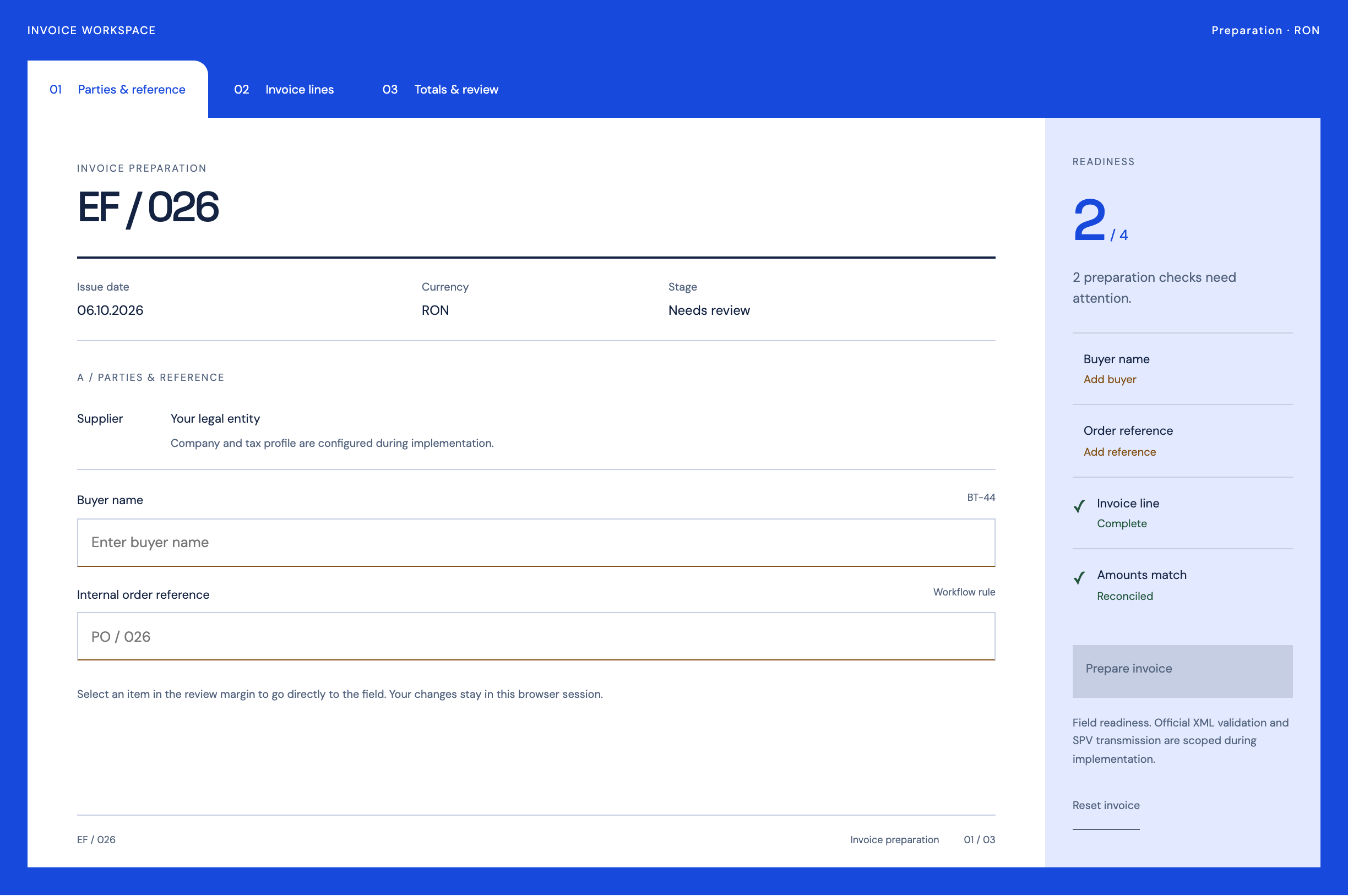
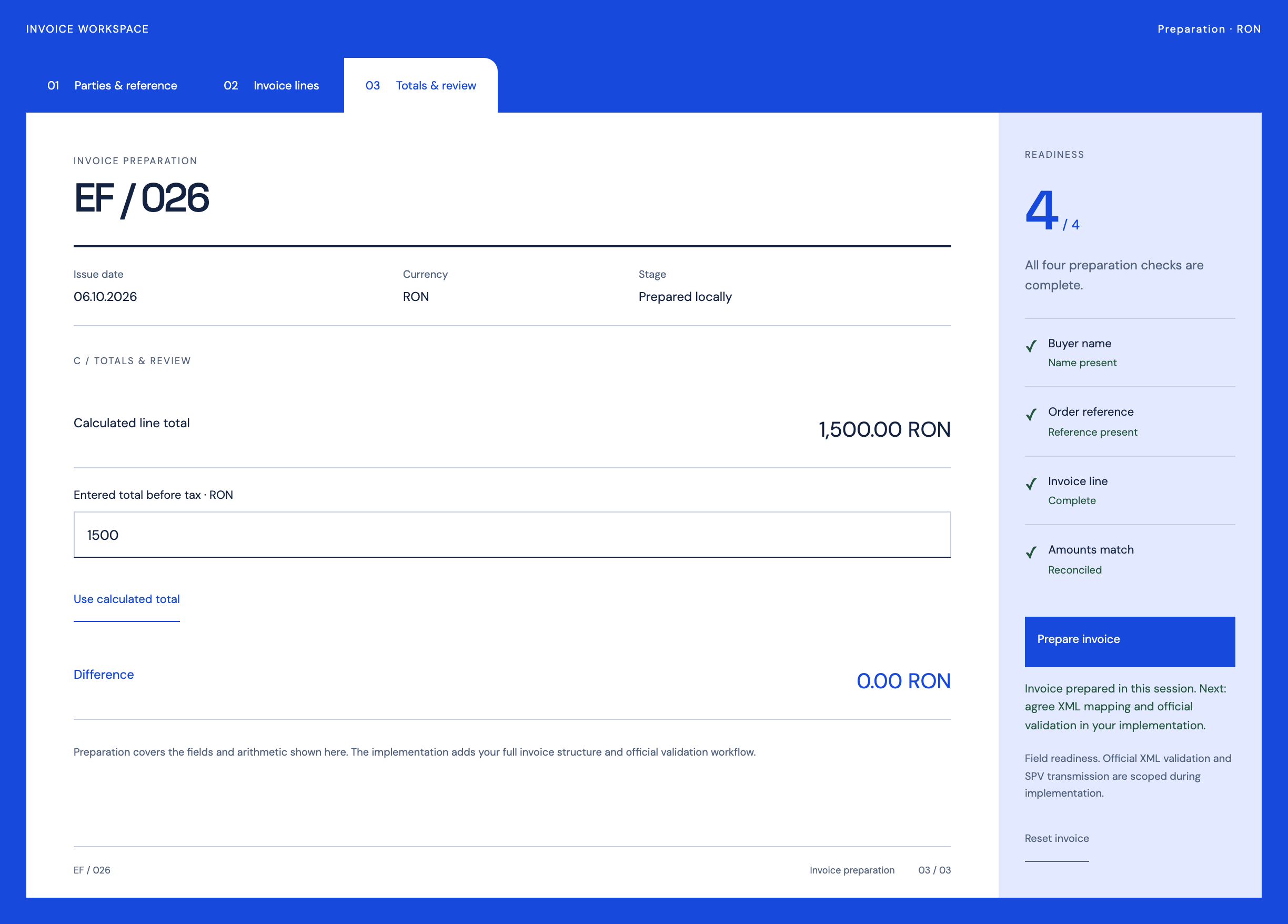
e-Factura
Follow the references
Sources & inspiration
ShipSense AI: Invoice Processing Agent for Enterprise
Devpost project by KP Kshitij Parashar
Invoice intake with uncertainty flags.
This independently created project is credited as inspiration. The workflow and implementation guidance in this article are RDC’s analysis.
Put the guide to work
Start with your workflow.
Tell us what your team needs to do, which systems are involved and where the current process slows down.