DeclarationsHow-to guide
Make rejected declaration receipts visible to the right person
A declaration preparation task should not disappear from view as soon as a file is uploaded. The team needs the resulting receipt, the outcome it reports and an owner for any remaining issue. A receipt queue connects technical submission with the specialist's final review.
Make the receipt part of finishing the task
ANAF's receipt-status service illustrates the use of an upload reference and taxpayer identity to retrieve results. Your workflow should preserve the identifiers supplied by the actual submission channel and verify the current supported retrieval process.
Track each attempt separately
Store the taxpayer, declaration type, period, prepared version and submission reference. Keep the exact file associated with that attempt. If another attempt is made, record why and connect it to the same underlying work item.
A list containing only filenames cannot distinguish a repeated technical upload from a corrected declaration. Give reviewers a timeline showing preparation, submission, retrieval and decision. The latest attempt should be easy to find without hiding earlier results that explain the history.
Retrieve the original receipt
Attach the receipt to the attempt and retain the original content. A parsed status is helpful for filtering, but the specialist must be able to open the source behind it. Record when retrieval occurred and whether the local interpretation needs review.
A missing download is not the same as a rejected declaration. Separate retrieval errors from receipt content. The technical operator can investigate the former, while the qualified specialist determines how to handle the latter. Do not encourage another submission simply because a local file is absent.
Turn the reported issue into an owned task
Show the relevant taxpayer, period, form and error context. Route missing-source questions to the data owner and interpretation questions to the authorized specialist. Each task needs a next action rather than a generic error label.
Keep unresolved cases visible in the period's work list. If a response is unclear, allow the reviewer to record a question and attach clarification. The decision to correct or resubmit remains explicit. Preserve the link between that decision and any new preparation version.
Design access for multi-client teams
An external accounting team may process many taxpayers. Every receipt and task must preserve company context through search, notifications and export. Test a restricted user's ability to follow a saved link to another client's record.
Credentials and signing material do not belong in the exception queue. Support users can receive technical references without full declaration contents when those are unnecessary. Maintain a clear record of who viewed, assigned and resolved an issue according to the organization's access and logging policy.
Reconcile the queue with submissions
Test a delayed result, an unreadable receipt, a rejected file and a retrieval failure after successful submission. Confirm that every attempt remains represented and that resolution cannot occur without the agreed evidence.
Measure missing receipts, cases without owners, time to first review and issues reopened after an incorrect interpretation. Compare counts across submitted, awaiting result, received and reviewed records. A complete operational picture includes items still unresolved; they should not vanish because another attempt later succeeded.
Give every receipt state an owner
The receipt queue should expose the next decision, not just the latest technical message. A retrieval failure, a pending result and a rejection require different expertise. Assigning all three to the accountant can delay technical recovery; assigning all three to an engineer can hide fiscal questions.
During acceptance, give the cases below to the people who will operate the workflow. Ask them to locate the original attempt and explain the next step using the screen alone. Missing context is a design issue to resolve before adding more declaration types.
| Situation | Evidence to inspect | Decision or next action |
|---|---|---|
| No submission reference was stored | The preparation record exists, but the local evidence cannot establish which authorized submission attempt should be queried. | Assign the operator to reconstruct the attempted handoff before treating the missing receipt as an authority processing delay. |
| A result has not arrived yet | The attempt has a valid reference and a last-check record, with no confirmed final receipt available locally. | Keep the case pending, show freshness and assign the next check without labeling the declaration as successfully reviewed. |
| The download failed | The retrieval step records a technical error while the original submission identity and any known response reference remain available. | Route recovery to the integration operator and preserve the attempt so another upload is not used as a substitute for retrieval. |
| The receipt reports validation problems | The original receipt and prepared file identify the affected taxpayer, period and fields for specialist inspection. | Create a review task and link any correction decision to a new preparation version, retaining the rejected result in history. |
| Two attempts concern the same work | Both submission records link to one declaration task, with distinct content versions or reasons for repeating the operation. | Show the relationship and let the specialist determine which outcome resolves the task, without hiding unresolved earlier evidence. |
| A case changes reviewer | The current owner hands over the receipt, source references, open question and latest recorded action to another authorized person. | Preserve the investigation history and verify the successor's company-scoped access before removing the earlier person's responsibility. |
Build a receipt desk for the actual channel
RDC can implement submission references, receipt retrieval or import, issue routing and correction links around your supported filing process. The authorized specialist defines the meaning of outcomes and the next permitted action.
For a scoped quote, bring redacted receipts and a description of how results are checked today. We can agree access roles and acceptance cases that make delayed or rejected work visible. The implementation gives the team a consistent place to finish the review after the upload.
Inside the product
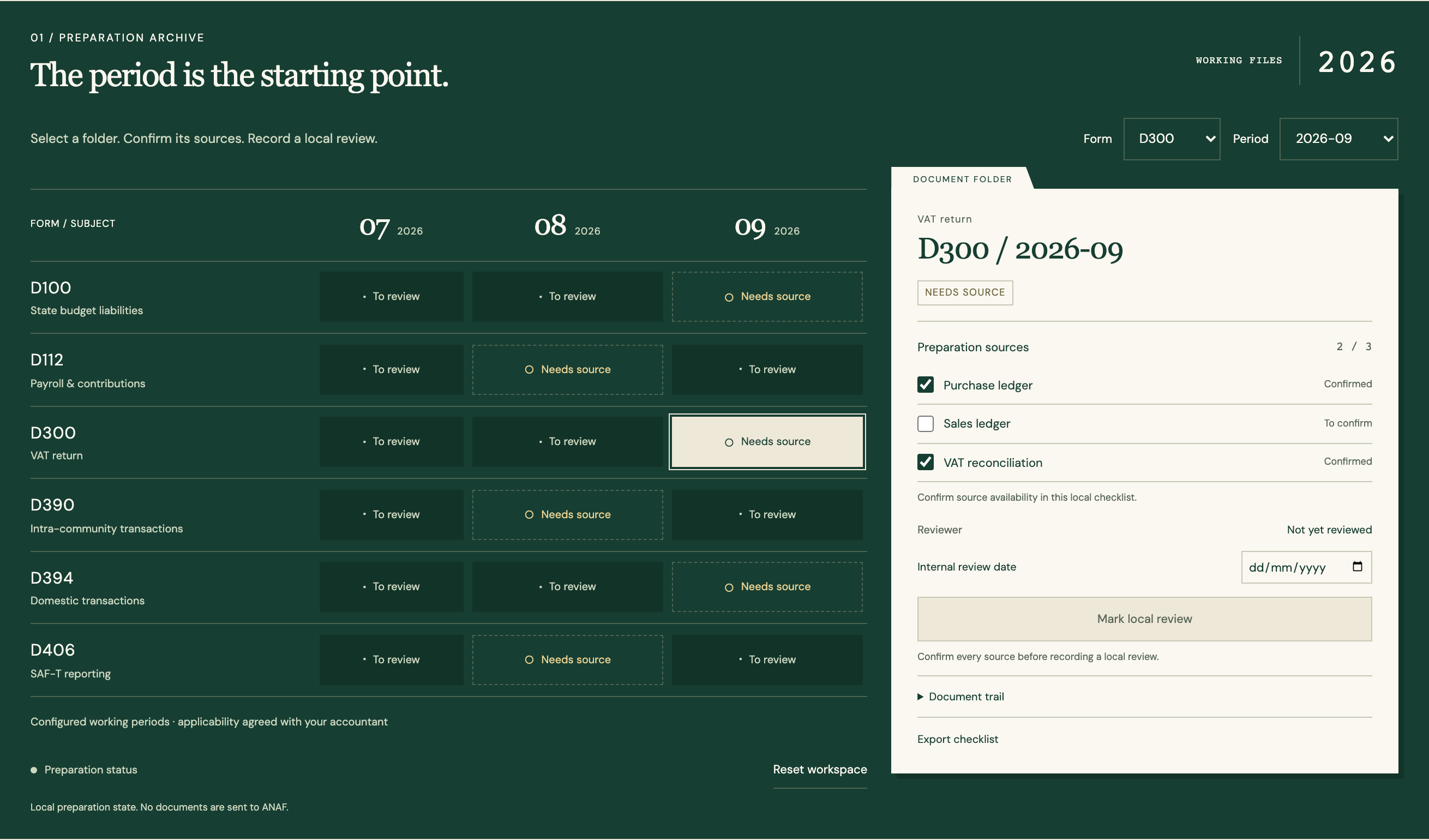
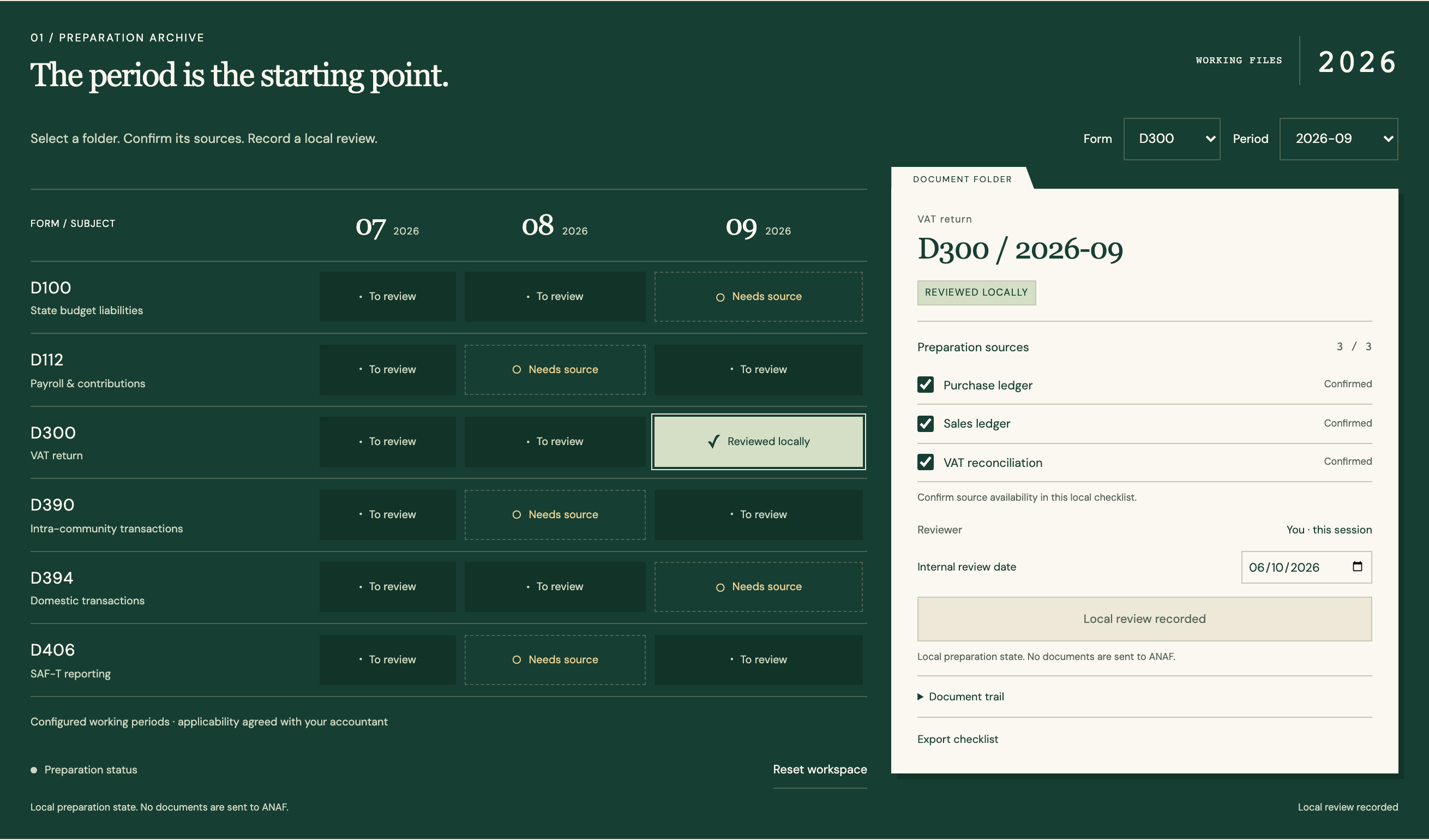
Declarations
Follow the references
Sources & inspiration
InvoiceFlow AI
Devpost project by Coolieo Bowley
Invoice checks and approval routing.
This independently created project is credited as inspiration. The workflow and implementation guidance in this article are RDC’s analysis.
Put the guide to work
Start with your workflow.
Tell us what your team needs to do, which systems are involved and where the current process slows down.