Self-checkoutWorkflow
Design the supervisor screen before adding more self-checkout lanes
The supervisor screen determines how a self-checkout area behaves when a shopper cannot continue. Adding lanes without a clear intervention workflow can simply create more simultaneous requests for the same employee. Design the queue, decision controls and return to the shopper’s transaction first, using the situations staff actually need to resolve on the floor.
Identify the lane and the reason for waiting
Every request needs a clear lane identity, transaction reference, reason and arrival time. A supervisor should be able to tell where to go without opening several screens or asking customers which terminal called for help. Keep the physical lane labels aligned with the names used in software and in support conversations.
Group reasons around actions staff can take. An unreadable product code, a request to remove an item and an uncertain payment need different evidence. Show the relevant basket line or transaction state with the request, while avoiding unnecessary personal information on a screen visible to others. If the system cannot identify the reason reliably, let the customer ask for general help rather than assigning a misleading category that delays the response.
Give requests an owner before work begins
When a supervisor accepts a request, show that ownership to other authorised staff. Two employees independently resolving the same transaction can create conflicting instructions, especially when one is at the lane and another uses a remote console. Acceptance should reserve the intervention, not silently give permission to perform every possible action.
Define how ownership can be transferred during a break or shift change. Preserve the work already done and the current question to resolve. If a request remains unattended, escalation should identify the backup role rather than broadcast repeatedly to everyone. The customer’s screen should reflect that help is on the way or actively being provided, without displaying internal staffing details that do not help the shopper decide what to do.
Match authority to the specific intervention
A supervisor may be allowed to verify an item but not change its price, or remove an accidental scan but not initiate a financial correction. Model those permissions separately. The screen should offer only the actions the authenticated person is authorised to perform for that store and transaction, with a clear route to another responsible role when necessary.
Keep the reason and evidence with the decision. If a price is changed under an approved rule, record which item changed and why. If an intervention requires a physical check, the software should not imply that pressing approve performs that check. Work through the allowed action matrix with store management and relevant providers, then test ordinary staff accounts rather than relying solely on an administrator’s unrestricted view.
Resume the exact transaction that was reviewed
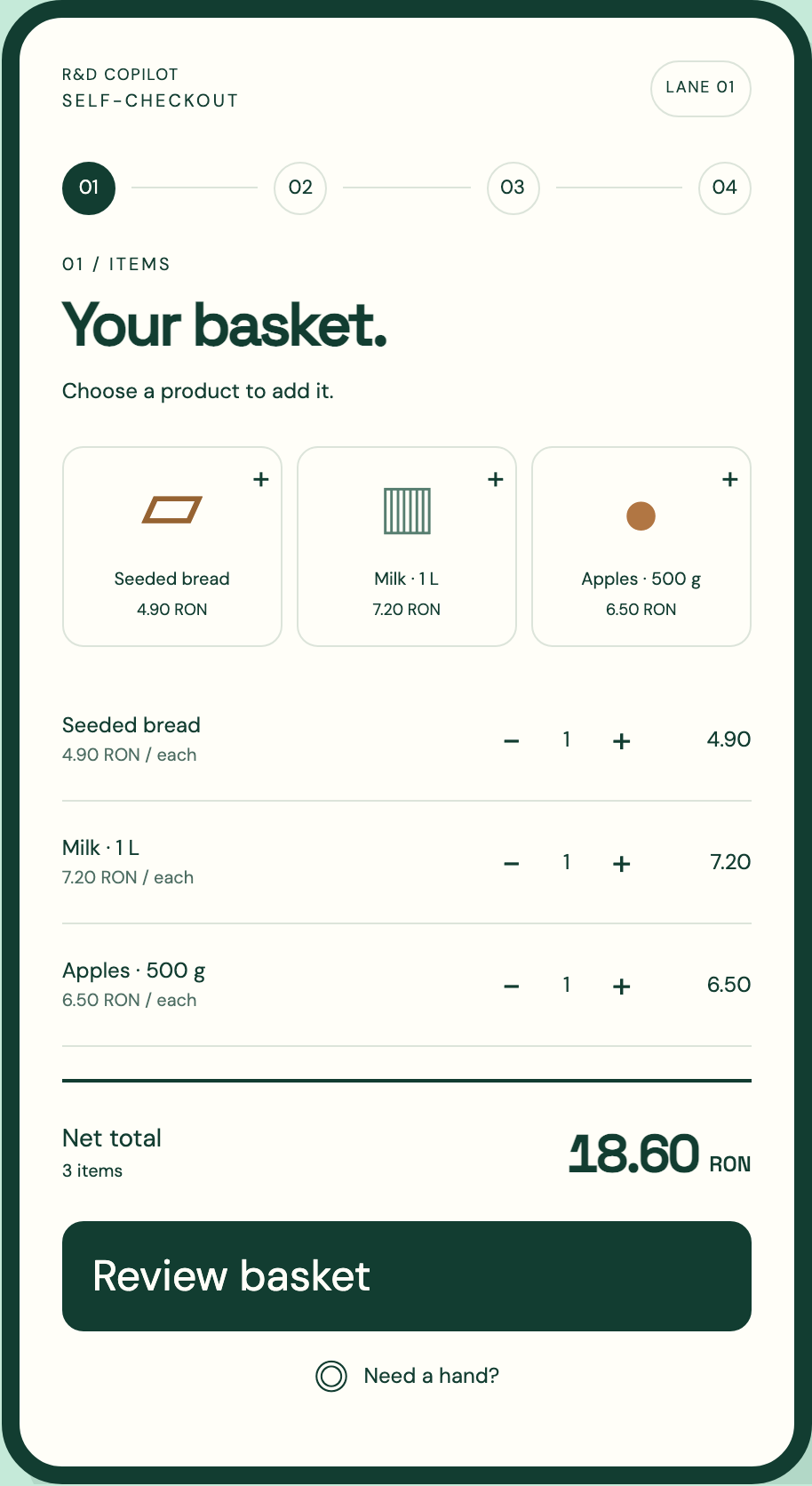
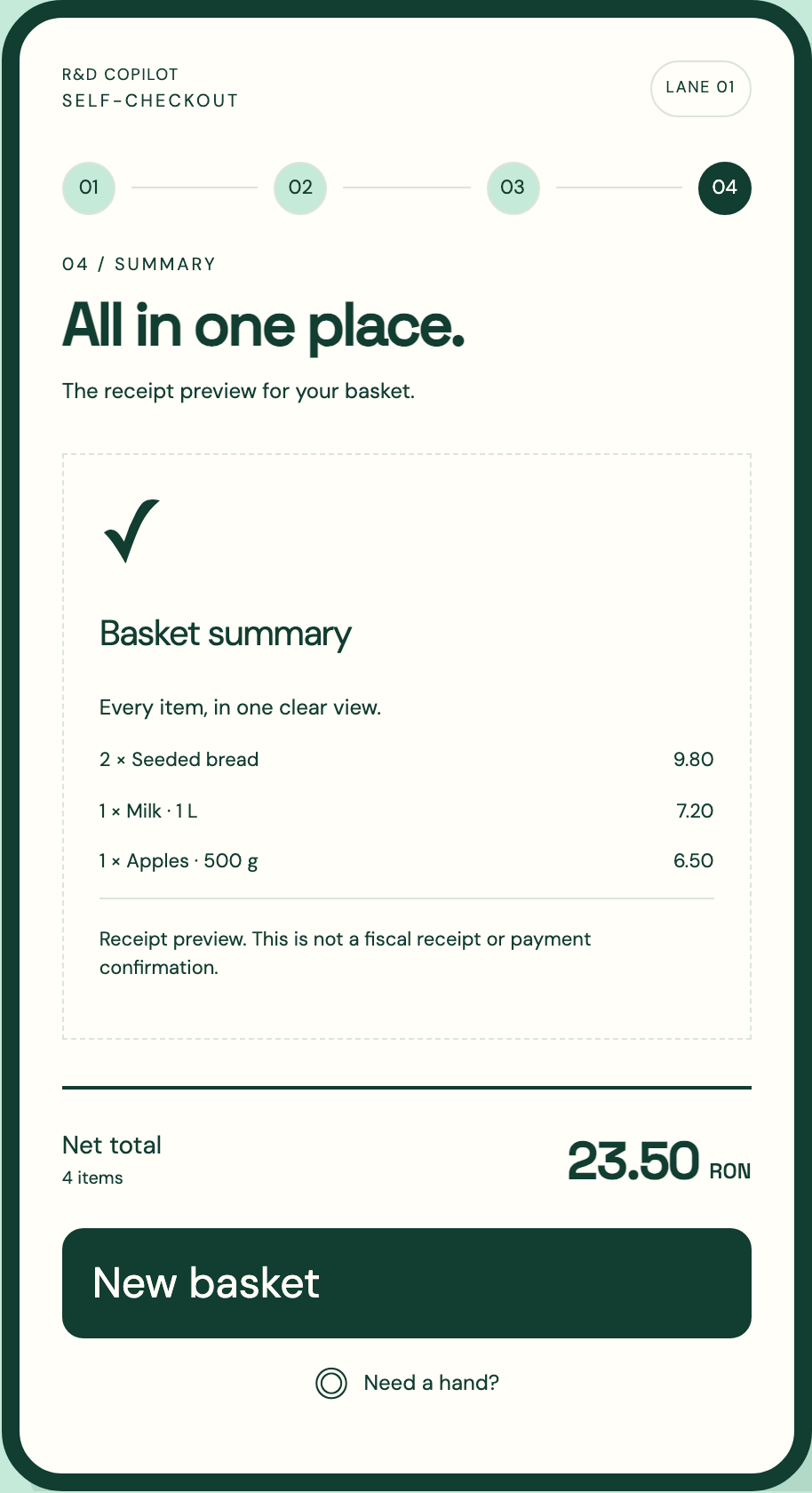
After an intervention, return the shopper to the correct next step with the accepted basket and total. The transaction may have changed while the request was waiting, so verify that the decision still applies to the version being resumed. A price approval for an item that was subsequently removed should not affect an unrelated line added later.
Make repeated confirmation safe. If the supervisor loses connection after submitting a decision, reopening the case should show whether it was accepted. The system should not apply the same quantity change or removal twice. A compact acceptance checklist helps teams test continuity between the supervisor console and the customer screen.
- The request identifies one lane, transaction and reason.
- One authorised person owns the intervention at a time.
- The decision applies to the basket version actually reviewed.
- A repeated submission finds the previous result.
- The shopper sees the next step and any changed total clearly.
Keep provider and device exceptions on their own paths
An uncertain payment requires evidence from the payment provider. A fiscal-device problem follows the supported equipment procedure. Neither should be resolved by a general override that merely turns the lane indicator green. The supervisor interface can gather context and direct the next action, while preserving the authority boundaries of those external systems.
Show the last confirmed provider or device state and prevent incompatible actions while the outcome is unknown. If a shopper needs to move to a staffed desk, transfer the transaction context so they do not have to explain every step again. Define who remains responsible for the unresolved lane record. A customer leaving the screen does not automatically mean that the underlying transaction or support case has been resolved.
Use intervention data to improve the operating model
Review requests by reason, waiting time, handling time and repeat occurrence. Separate the number of interventions from their difficulty. A frequent request caused by an unclear instruction may be easier to remove than a rare device fault that requires specialist support. Invite supervisors to explain the situations behind the counts before changing staffing or screen behaviour.
RDC can design the intervention queue, permission model and transaction handoff alongside the customer interface. EU-hosted and company-managed options should account for store connectivity, authenticated devices, log access and recovery when the console is unavailable. Rehearse simultaneous requests, an absent owner, a changed basket and a delayed confirmation before increasing lane count. Bring current exception reasons and a description of who can approve what; they define a supervisor screen that supports staff judgment and keeps the shopper’s progress visible.
Inside the product
Self-checkout
Follow the references
Sources & inspiration
goCart
Devpost project by Raj Bhanushali, Tarun Sreedhar, avallabhani, Vishal Vinjapuri, Ryan Gomes
Independent inspiration for workflow design.
This independently created project is credited as inspiration. The workflow and implementation guidance in this article are RDC’s analysis.
Put the guide to work
Start with your workflow.
Tell us what your team needs to do, which systems are involved and where the current process slows down.