POSHow-to guide
Connect a checkout sale to its stock movement
A checkout sale should leave a traceable connection between what the customer bought, the payment result and the stock movement. These events can finish at different times. Designing their relationship explicitly helps staff serve the customer and gives the back office a practical way to find transactions whose downstream work still needs attention.
Give the sale an identity before requesting payment
Create a stable sale reference when the basket becomes a transaction. Keep the selected items, quantities, prices and approved adjustments connected to that reference. If a payment request or stock update needs to be repeated, the receiving system should be able to recognise the existing sale instead of treating the retry as another purchase.
Record changes to the basket deliberately. A cashier may remove an item, correct a quantity or apply an authorised discount before payment. The version used for the payment request must remain identifiable afterwards. Once payment has started, define which changes are allowed and which require returning to an earlier step. This prevents the amount shown to the customer from drifting away from the items later sent to inventory.
Keep payment evidence separate from the sale screen
The POS should obtain payment results through the agreed provider interface, using the provider’s own transaction reference. A spinning indicator or a closed payment screen is not proof that the financial operation succeeded. Preserve the last confirmed provider status and make an uncertain result visible to the operator before another payment is attempted.
Use provider-managed payment collection and approved terminal interfaces for the chosen arrangement. The application can work with payment references and status without collecting full card details into its ordinary sale records or logs. Confirm the integration boundary with the payment provider during scoping. This describes a design responsibility, not a claim that a particular terminal is supported or that the complete merchant environment has a certification.
Define when the sale creates a stock movement
Agree the business event that authorises the inventory update. Depending on the operation, a basket may reserve quantity first and a completed sale may consume it later. Keep the distinction clear so abandoned baskets do not become unexplained stock reductions. The movement should identify the sold item, unit, quantity and fulfilment location.
A stock system may respond later than the payment provider. Design for that timing instead of requiring every component to finish simultaneously. The POS needs a recorded intention to update stock, a reference for the resulting movement and a visible failure state if the update cannot complete. A successful payment with pending inventory work is an exception to reconcile, not a reason to collect payment again.
Make the receipt and fiscal handoff explicit
The receipt process has its own responsibilities and evidence. Identify the fiscal equipment, software interface and authorised supplier involved in the store’s actual setup. Agree with the responsible specialists which operations are required and how the POS receives confirmation. Do not infer successful fiscal completion solely from a generic print action or an application message saying the sale is finished.
The operator needs clear instructions if payment is confirmed but a receipt-related step is incomplete. Capture the relevant references and route the problem to the agreed support process. Recovery depends on the equipment and provider contract, so test it with those parties rather than issuing generic repeat commands that might duplicate an operation. The sale history should preserve what was attempted and what was confirmed.
Reconcile incomplete relationships in one view
Create an operational list that compares sale, payment, receipt and stock states. It should show the missing relationship, the last confirmed event and the person responsible for resolution. Avoid presenting every exception as the same technical error. An unconfirmed payment, a failed inventory update and a printer problem require different checks and different authorities.
Use a small reconciliation checklist when reviewing the first implementation. Staff should be able to answer these questions without reading infrastructure logs or searching several unrelated applications. Keep detailed technical evidence available to support staff behind the operational explanation.
- Does the sale have one stable reference and an identifiable basket version?
- Is the payment result confirmed by the selected provider?
- Is the required receipt or fiscal outcome recorded with its reference?
- Has the stock movement been posted once for the agreed quantities?
- Does every incomplete step have an owner and an allowed next action?
Test the transitions that interrupt a busy shift
Rehearse a normal sale, a cancelled basket, a delayed payment response, a stock outage and an interrupted receipt step. Include the end of a shift, when a different employee must investigate unfinished work. A useful test proves that the next operator can explain the current state and recover through the approved process without guessing whether money or stock already moved.
Measure unmatched transactions, repeated update attempts, age of unresolved steps and manual reconciliation effort. RDC can connect the checkout interface, provider status and stock records around your current systems. Scope EU-hosted or company-managed services together with store connectivity, local device responsibilities, backups, access and monitoring. Bring a real sale record from each system and the device/provider documentation; their identifiers and timing are the starting point for a dependable POS integration.
Inside the product
POS
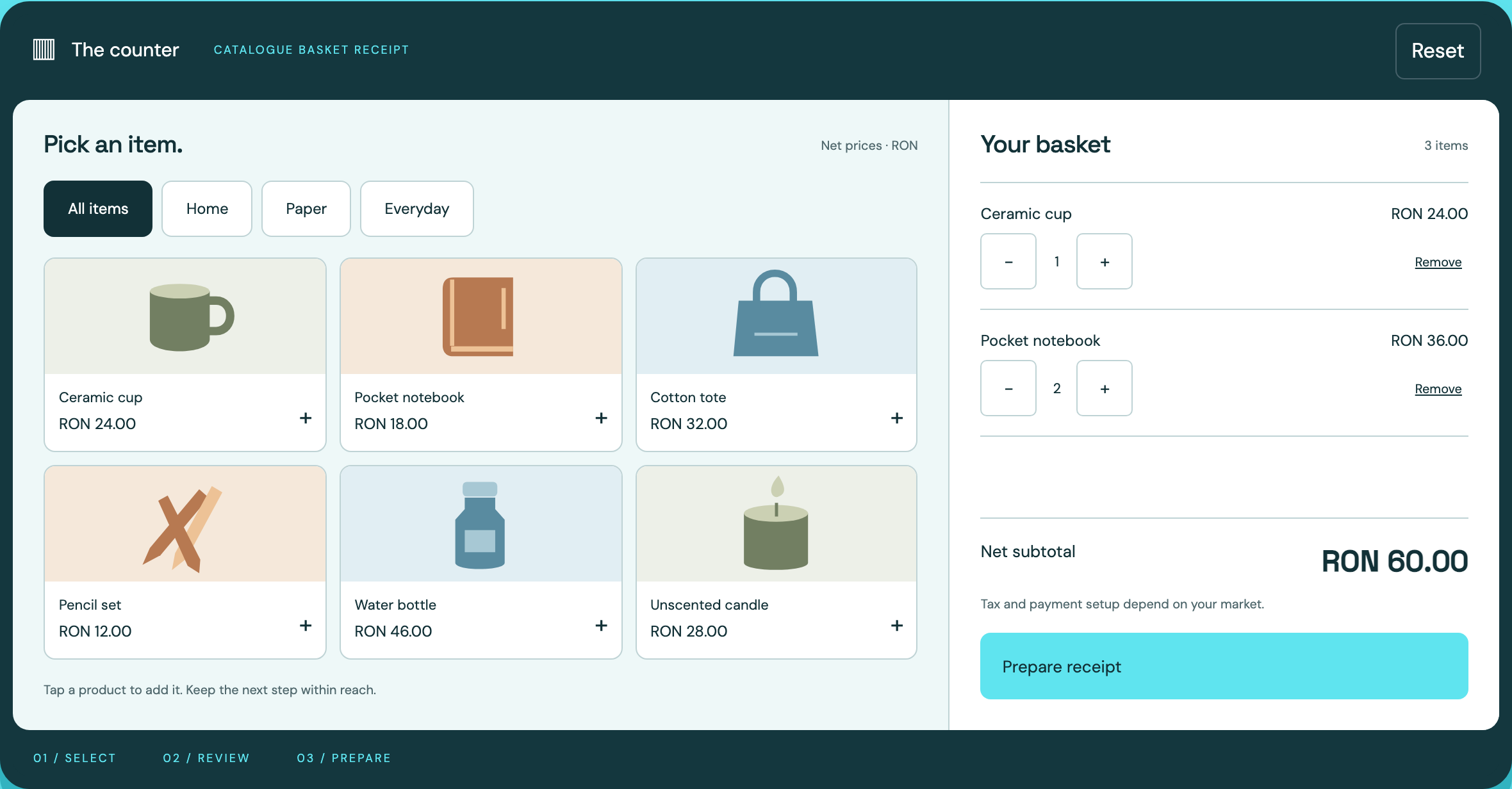
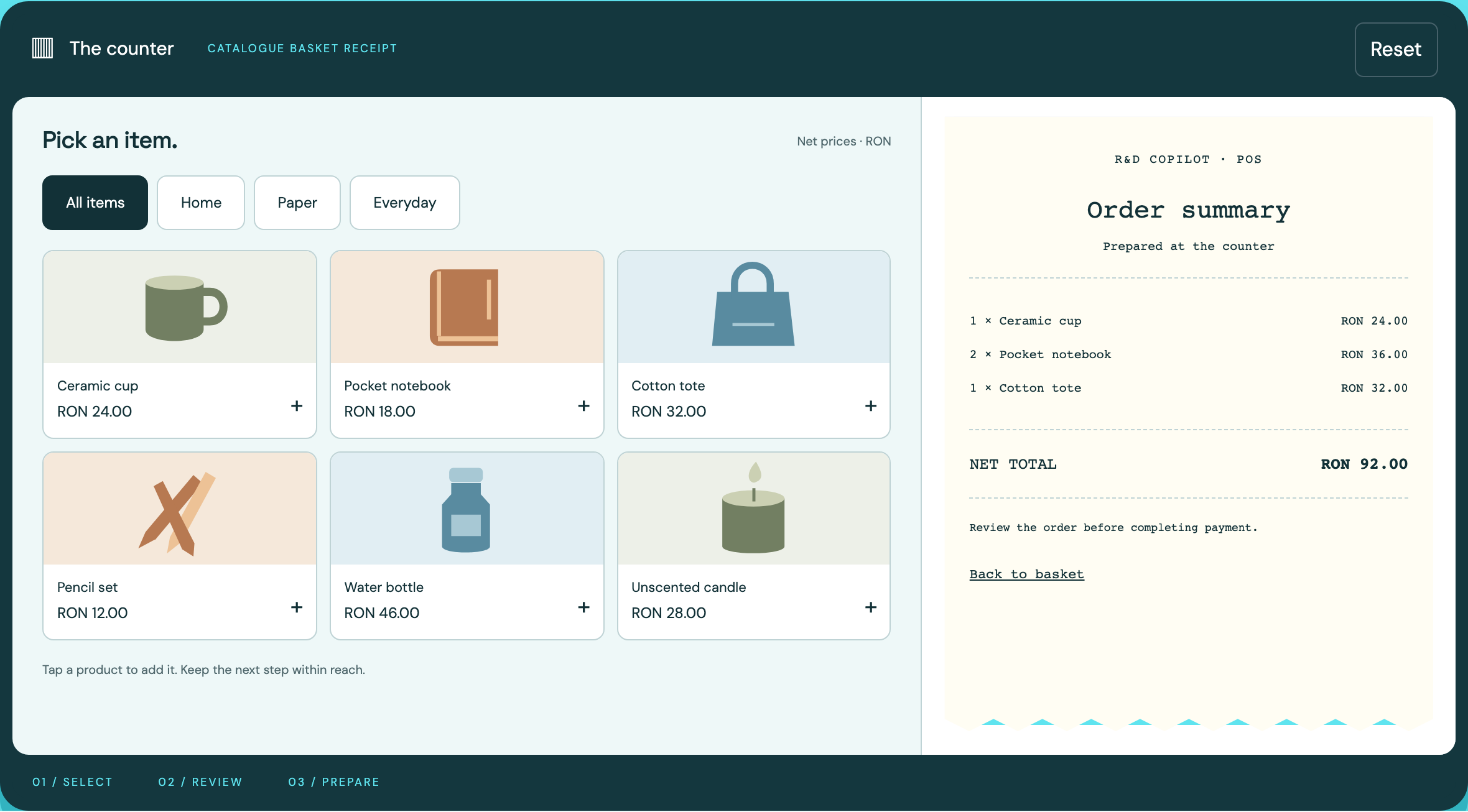
Follow the references
Sources & inspiration
goCart
Devpost project by Raj Bhanushali, Tarun Sreedhar, avallabhani, Vishal Vinjapuri, Ryan Gomes
Independent inspiration for workflow design.
This independently created project is credited as inspiration. The workflow and implementation guidance in this article are RDC’s analysis.
Put the guide to work
Start with your workflow.
Tell us what your team needs to do, which systems are involved and where the current process slows down.