ERPDecision guide
An ERP migration rehearsal your team can actually check
An ERP migration rehearsal turns a risky switch into a sequence the business can inspect. Its purpose is to prove that the new system contains the right records, preserves their relationships and supports tomorrow’s work. That requires more than an import success message: sales, warehouse staff and finance need evidence they recognise and a way to resolve differences before daily operations move.
Decide what must move and what can stay readable
Separate master data, open transactions, opening positions and historical records. They have different purposes and should not enter the migration as one undifferentiated export. An open customer order must remain actionable. An old completed order may only need a searchable history with a reliable reference. Agree those needs with the people who will retrieve the information later.
Document the source system for each category and the person authorised to approve the result. Retaining an old database as a read-only archive may be useful, but assess access, support, export capability and licence conditions before relying on it. The migration plan should explain how the team finds an older document after the change, including records that were deliberately excluded from the new operational database.
Map identities and relationships before moving totals
Customer and supplier identities connect many records. Product codes connect quantities to units, variants and locations. Map old identifiers to new identifiers explicitly and keep that mapping available for investigation. A record that imports successfully against the wrong customer is harder to spot than a rejected row, so successful imports need checks too.
Pay particular attention to reused codes, merged customers and products sold in several packaging units. Define how duplicates are resolved and who approves the chosen record. Preserve the original value where it helps explain a transformation. A migration script should not guess that two similarly named organisations are the same business or silently merge stock variants because their descriptions look alike.
Build a verification pack that users can read
Create a compact set of checks spanning both totals and individual journeys. Totals show whether a category changed unexpectedly, while individual records reveal broken relationships that totals can hide. For example, the total open order value may be correct even though delivery addresses were attached to the wrong orders. The verification pack should make those checks repeatable after every rehearsal.
Finance defines the opening positions and reconciliation rules relevant to its system. The warehouse defines quantities, units and locations to verify. Sales checks customer ownership and open commitments. Keep the evidence in a format those teams can inspect without writing database queries, and record their unresolved questions alongside the import results.
- Count active customers and review the approved merge list.
- Compare open order quantities and agreed commercial totals.
- Trace selected orders through customer, item and delivery references.
- Reconcile stock by item, location and unit of measure.
- Confirm finance’s agreed opening checks and supporting records.
- Record rejected rows with an owner and a correction decision.
Rehearse changes that arrive after the first export
A migration rehearsal often starts from a snapshot, while the business continues selling and receiving goods. Decide how changes after that snapshot will reach the new system. Possible approaches include a final export during an agreed pause or a controlled import of subsequent changes. The correct approach depends on source capabilities and how much interruption the business can tolerate.
Test an order created, amended and cancelled during that interval. Test a receipt posted after the export and a customer corrected in the source. Record the cutoff clearly, including time zone where systems differ. Re-running a transfer must not duplicate orders or apply a stock movement twice. The rehearsal should expose those behaviours while there is still time to adjust the mapping and operating plan.
Make recovery an operational decision, not a slogan
Define who can authorise the move, what evidence they need and what conditions stop it. A backup is only one part of recovery. Once the new ERP has accepted fresh orders, returning to the previous system requires a decision about those orders and any downstream activity already performed. Identify that point before the cutover window begins.
For EU-hosted or company-managed infrastructure, specify where migration exports are stored, who can access them and when temporary copies are removed. Test restoration using a separate environment and document the time and dependencies involved. Include integration credentials, attachments and scheduled jobs in the recovery plan. Restoring a database without its documents or connector configuration may leave the business unable to complete the next order.
Use the rehearsal to price the remaining work
A useful rehearsal produces a list of accepted mappings, unresolved exceptions, measured transfer duration and named business approvals. Those outputs make the remaining implementation concrete. They also expose costs that a software licence comparison misses: cleaning records, obtaining exports, adapting integrations, training users and maintaining access to historical information.
Run the verification pack again after corrections rather than assuming a mapping change only affects the row that failed. Agree a final rehearsal with the same sequence planned for the cutover, then brief the people who will work the next morning. RDC can prepare the migration tooling, connect source and target records and organise the technical rehearsal with your operational owners. Bring data exports, the system inventory and the business checks you already trust; those are the foundations of an ERP move your team can approve.
Inside the product
ERP
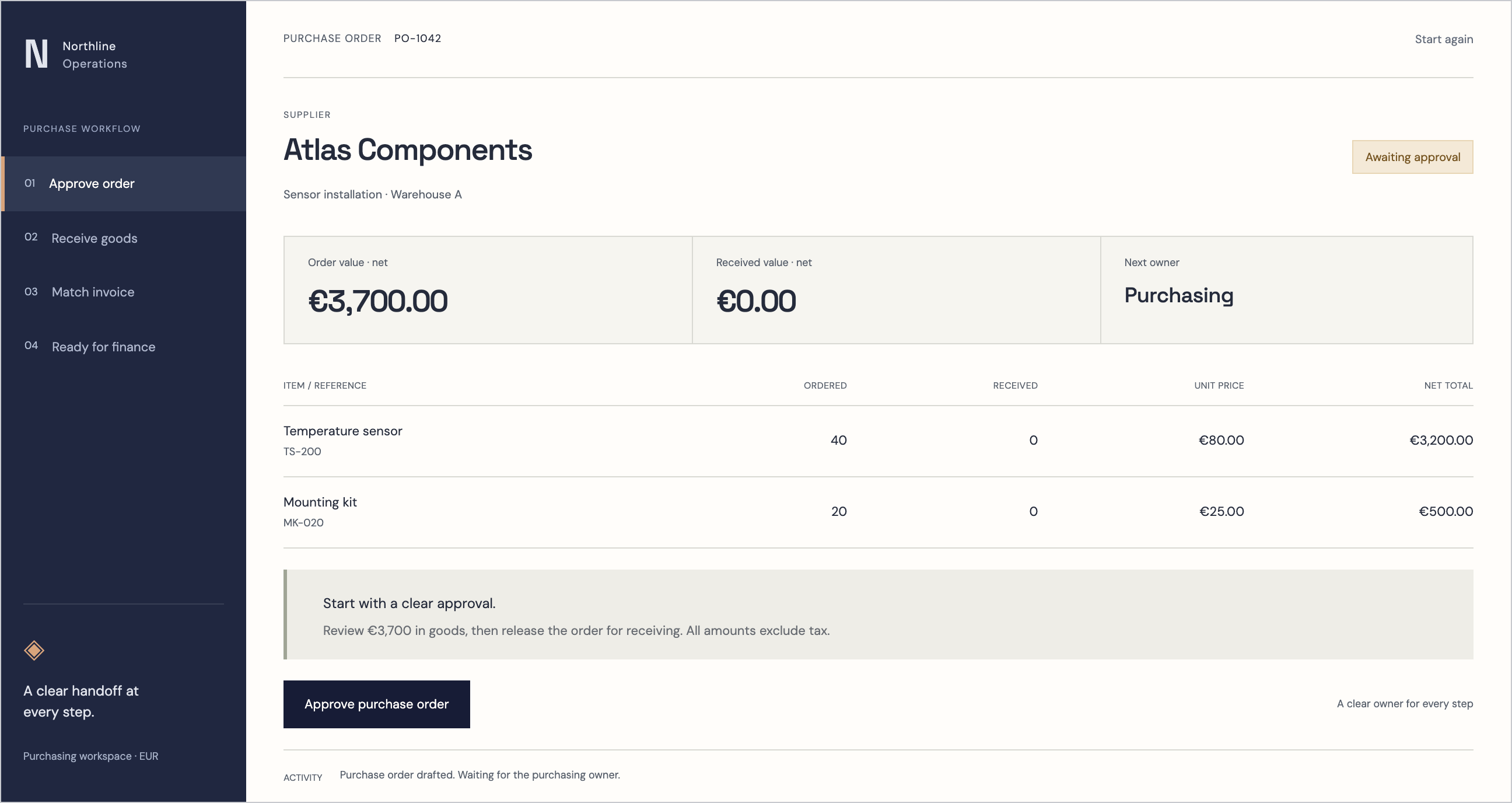
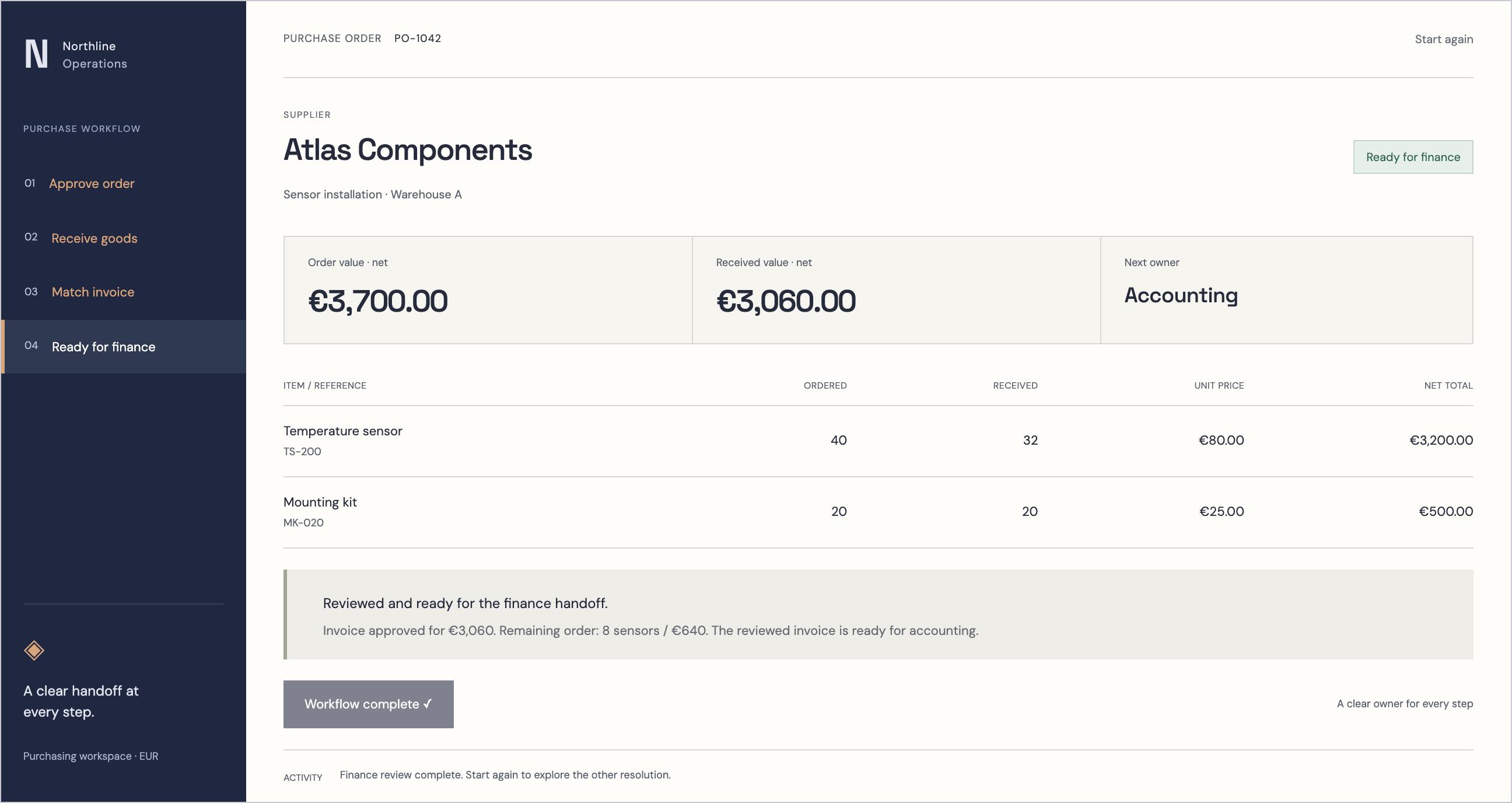
Follow the references
Sources & inspiration
LogiHub
Devpost project by ASHOK KUMAR PATUR
Independent inspiration for workflow design.
This independently created project is credited as inspiration. The workflow and implementation guidance in this article are RDC’s analysis.
Put the guide to work
Start with your workflow.
Tell us what your team needs to do, which systems are involved and where the current process slows down.