EU AI & cyber readinessWorkflow
AI Act readiness starts with an inventory of actual company use
AI Act readiness is difficult when the company cannot describe which AI-enabled tools its teams use, what they do or whose decisions they influence. A practical inventory makes those questions answerable and gives legal, operational and technical reviewers a shared starting point.
Start by finding the AI your company actually uses
The AI Act assigns responsibilities according to roles and uses, and Article 4 addresses AI literacy. An internal inventory is a practical organizing method; it is not a universal compliance certificate or a substitute for assessing a specific system. Its value comes from accurately describing actual use and the people responsible for it.
Record the use case, not only the vendor
A company can use the same vendor's technology for drafting marketing text, searching research documents and assisting recruitment. Those uses involve different people, data and consequences. Give each meaningful use case its own record, linked to the tool or integration it relies on.
Describe the task in ordinary language: who provides input, what output appears and what happens next. Record whether a person reviews the result before it affects a customer, employee or business record. Avoid entries that say only chatbot or productivity, because those labels give reviewers too little context to assess the work.
Identify the owner and the operating role
Name the business owner who can explain why the system is used and the technical owner who can describe its configuration. Record the supplier relationship and whether the company has developed, substantially changed, distributed or deployed the system in the particular arrangement.
These facts inform the legal assessment of roles; they should not be converted into automatic classifications based on a product label. Keep the reviewer and reasoning behind the assessment. If the use changes, the inventory should trigger a new review rather than preserve an old conclusion as though it were permanent.
Trace the data and the downstream action
Record input categories, sources and permitted destinations. A research assistant may read internal technical documents, while an invoice workflow may process personal or financial details. Describe what is retained, where processing occurs and which external services participate.
Also document what the output can do. A draft shown to a person is different from a result that writes to an ERP or sends a message. Identify approval points, permissions and the ability to stop or reverse an action. This makes the inventory useful for engineering changes, not merely for annual reporting.
Review sensitive uses with the right specialists
Some uses deserve closer assessment because of their context and potential effects on people. Route the relevant facts to legal, data-protection and domain specialists. The inventory should capture their questions and decisions without guessing a risk classification from a keyword.
Keep unresolved assessments visible and assign an owner. If evidence is missing, record what is needed: supplier instructions, technical documentation, a workflow description or a clearer statement of intended use. A blank field should not be interpreted as proof that no obligation or risk exists.
Connect AI literacy to the tasks people perform
An effective learning plan starts with what users need to judge in their actual workflow. A researcher needs to verify source support; a finance reviewer needs to distinguish extracted values from approved accounting data. Managers approving automated actions need to understand the permission and recovery boundaries.
Record the roles involved, the training or guidance provided and how the team checks understanding. A generic attendance list says little about whether someone can spot an unsupported answer in the tool they use. Use task-based exercises and update them when the system or its intended use changes.
Maintain evidence of changes and incidents
Track meaningful changes to models, data sources, configurations and downstream permissions. Link each change to the use-case record and identify whether existing evaluation or approval needs updating. A model update can alter behavior even when the user interface looks the same.
Provide a route for users to report harmful, misleading or unexpected output. Capture enough context for investigation without unnecessarily copying sensitive inputs. Assign the technical and business owners, record the decision and connect any fix to a test. The inventory can then show the history behind the current approved setup.
Test whether the inventory describes reality
Choose several entries and follow them into the actual tools and workflows. Check that owners still work in the relevant roles, listed data sources are complete and approval boundaries match the live configuration. Include an embedded AI feature inside an existing business application.
Measure entries without owners, incomplete data-flow descriptions and changes awaiting reassessment. Ask a reviewer unfamiliar with the system to explain what it does using the record. If they cannot identify the input, output and affected decision, improve the description before adding another layer of scoring.
- Select an AI use case and identify its input sources, output, affected decision and the person authorized to approve any downstream action.
- Check whether the same vendor supports another materially different use that deserves a separate assessment rather than a copied risk label.
- Inspect the latest model or configuration change and verify whether the agreed evaluation, user guidance and approval record were updated.
- Ask a user to demonstrate how they identify an unsupported result and report a problem using the actual tool and workflow.
Build a usable AI governance workflow
RDC can build the inventory, evidence links, review assignments and change tracking around your company's AI use cases. We can also connect evaluations and practical team guidance to the same records so the information remains useful during day-to-day operation.
For a scoped proposal, bring your known tools, important workflows and existing policies. We start with the uses that are hardest to explain or control. Your legal specialists determine applicable obligations; our engineering work turns the agreed responsibilities into maintained records, visible review tasks and testable operating boundaries.
Inside the product
Private AI Workspace
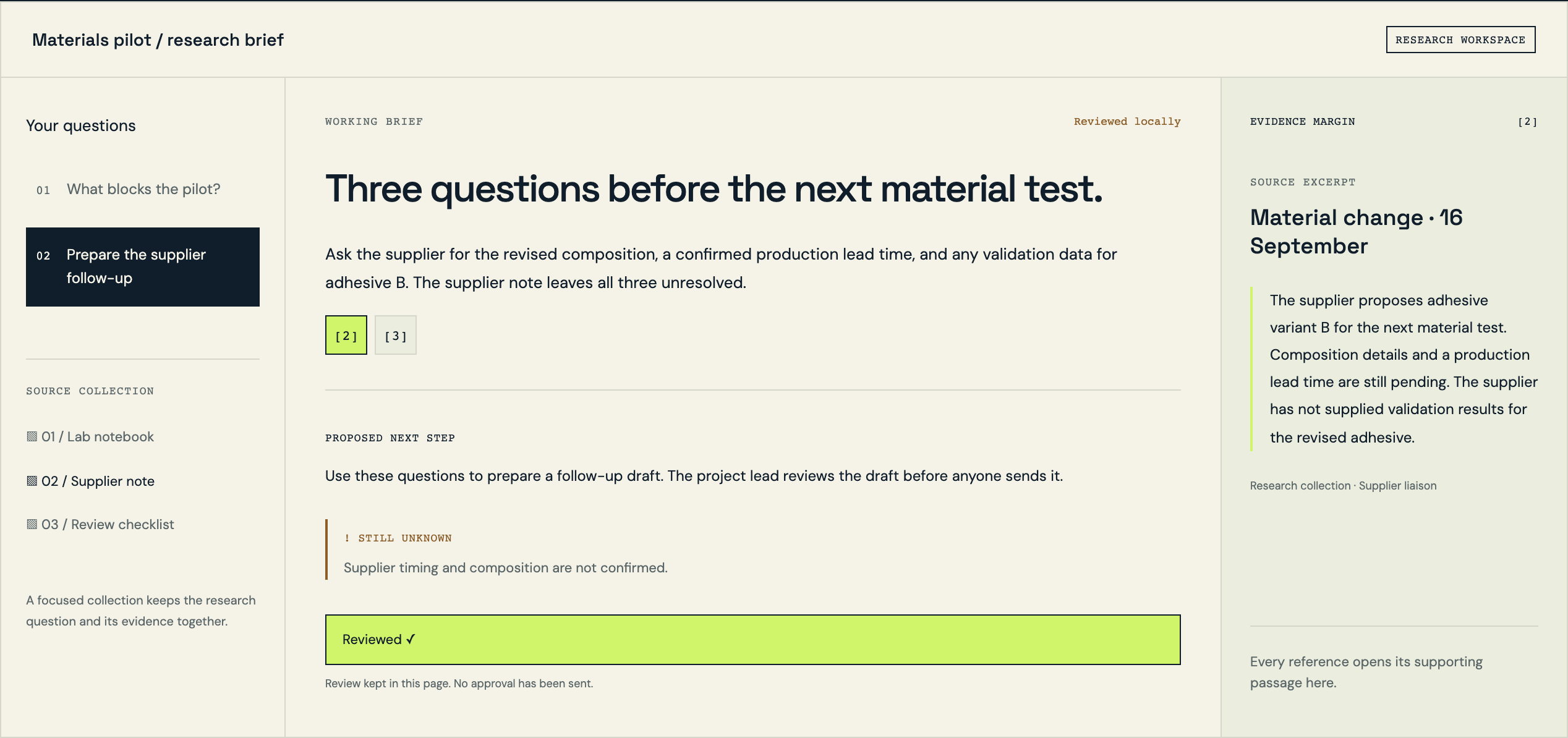
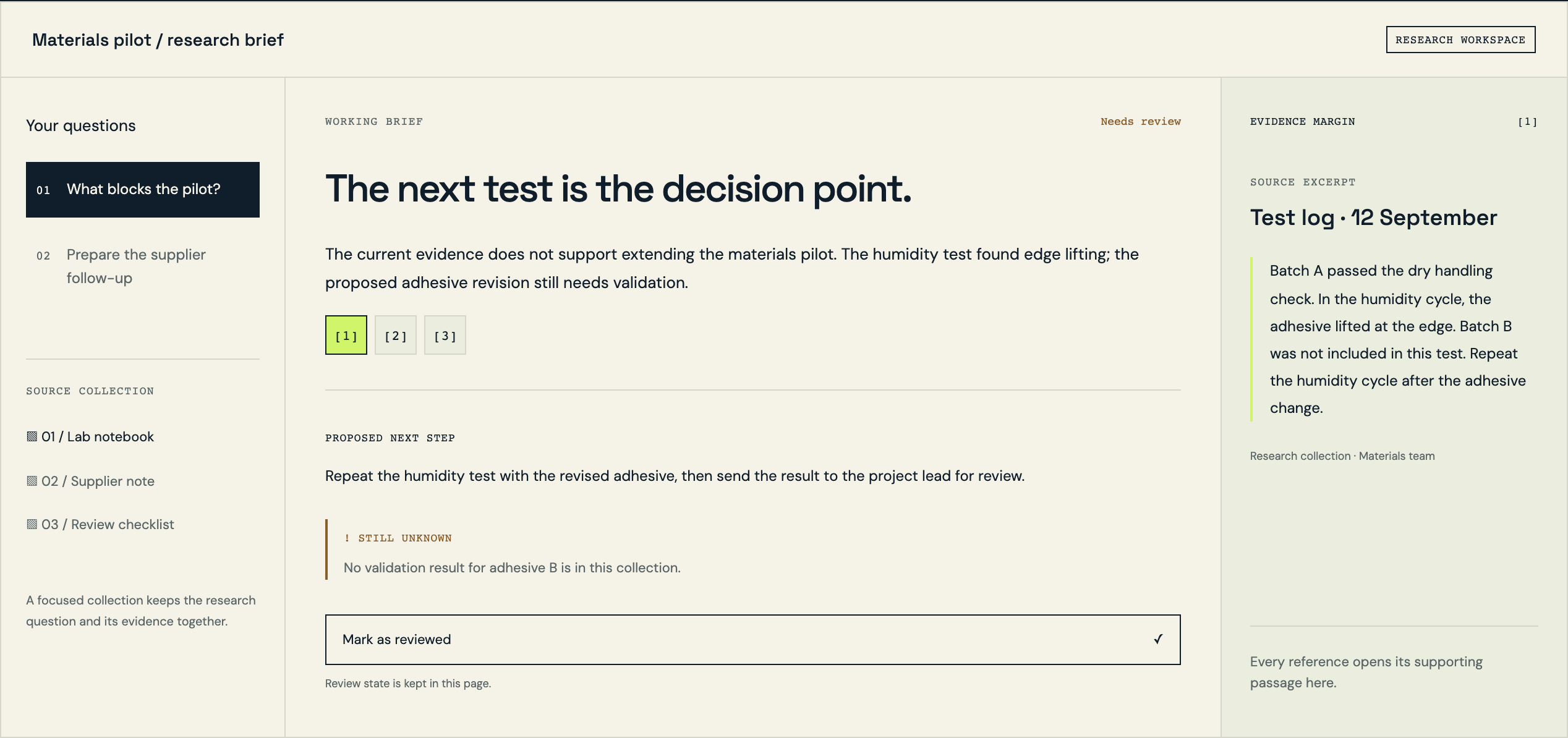
Follow the references
Sources & inspiration
ConsentDocs
Devpost project by ILoveBuns Ren
Extracted facts with human review.
This independently created project is credited as inspiration. The workflow and implementation guidance in this article are RDC’s analysis.
Put the guide to work
Start with your workflow.
Tell us what your team needs to do, which systems are involved and where the current process slows down.